Are you looking for a HyperUI alternative that offers more than just
components?
The promise? A free collection of Tailwind CSS components you can
copy and paste.
The reality? The components look great. But you’re left figuring out
how to build a complete website. Matching components together takes time
you don’t have.
GOOD NEWS: There are alternatives that give you complete solutions,
not just scattered pieces.
What is HyperUI?
HyperUI is a free, open-source library of Tailwind CSS components.
Created by Mark Mead, it offers 200+ copy-paste components for building
marketing websites, admin dashboards, and eCommerce stores.
What you get:
- 200+ Components: Buttons, navbars, forms, cards,
pricing tables, and more
- No Installation: Just copy and paste into your
Tailwind CSS project
- Dark Mode Support: Components work in both light
and dark themes
- RTL Support: Right-to-left layouts for Arabic and
Hebrew
- Framework Flexible: Works with HTML, React, Vue, or
any framework
- Completely Free: MIT license, no costs or
restrictions
The downsides:
You get individual components, but building a complete website still
requires significant design work. You need to match components, create
layouts, and ensure everything looks cohesive.
6 HyperUI alternatives worth trying
Short version:
The best HyperUI alternatives right now are:
LandingGo, daisyUI, TailGrids, Flowbite, Sailboat UI
and Meraki UI.
That’s the shortlist. Here’s the long version:
1. LandingGo
Best for: Complete landing pages with uniform
components
 Website: LandingGo.com
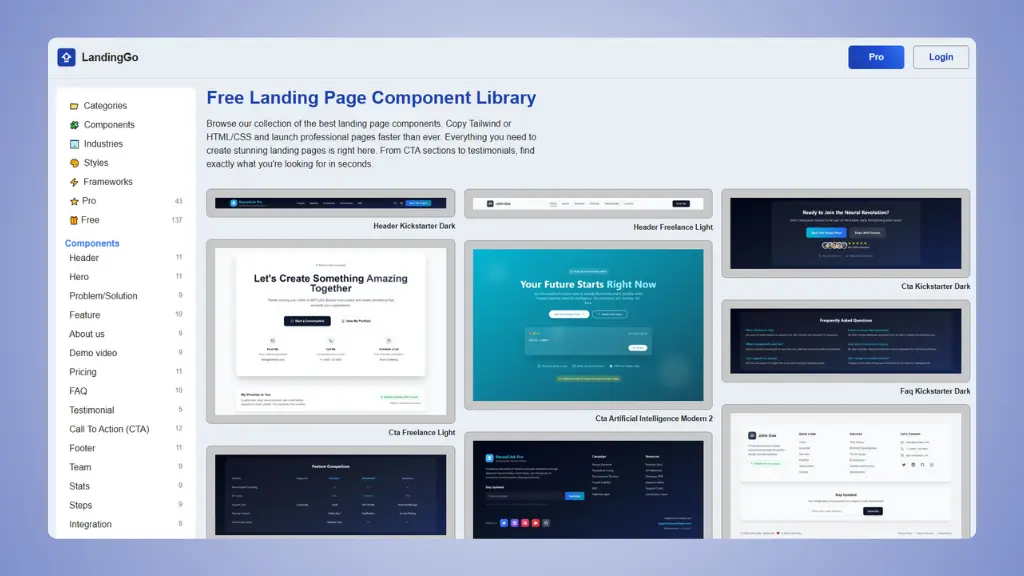
If you need more than scattered components, LandingGo is your
answer.
It’s a free landing page component library with 200+ components. The
difference? Components are organized to build complete landing pages,
not just random pieces.
What makes it good:
- Uniform components: All components match each
other, so you can build complete pages quickly
- Industry specific: Components organized by industry
(AI, SaaS, Mobile App, etc.)
- Two code options: Copy as Tailwind CSS or standard
HTML/CSS
- Landing page examples: Real examples from
successful companies
- Design styles: Multiple styles including Dark,
Modern, and Minimal
Pricing:
Why it’s better than HyperUI:
- Components designed to work together for complete landing pages
- Industry-specific organization saves time
- HTML/CSS option if you don’t want framework dependency
- Landing page templates included
Why you’d still choose HyperUI:
- You only need individual components
- You prefer building everything from scratch
- You need RTL support specifically
👉 Try LandingGo and build your landing page today.
👉 LandingGo vs HyperUI full detailed comparison.
2. daisyUI
Best for: Adding component class names to Tailwind
CSS
 Website: daisyUI.com
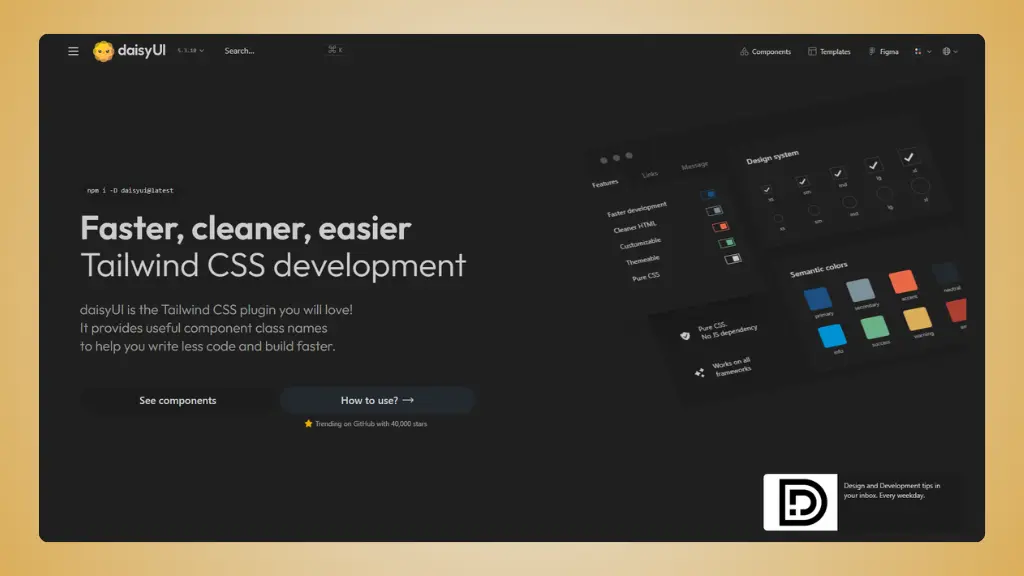
daisyUI takes a different approach. Instead of copying components,
you install it as a Tailwind CSS plugin and use semantic class
names.
What makes it different:
- Plugin approach: Install once, use class names like
btn, card, toggle
- Write less code: Uses 88% fewer class names than
pure Tailwind
- Built-in themes: 30+ themes included, or create
your own
- Pure CSS: No JavaScript required, works with any
framework
- 55+ components: All the common UI elements you
need
Pricing:
- Free: All components and features
- Templates: Optional templates from $19-$69 in their
store
Why it’s useful:
- Much cleaner HTML code than pure Tailwind
- Themes make styling consistent across your site
- No JavaScript means lighter websites
- Works with React, Vue, Svelte, or anything else
The limitation:
- Different workflow than copy-paste components
- Need to learn daisyUI class names
- Less flexibility than custom components
3. TailGrids
Best for: Large component library with
multi-framework support
 Website: TailGrids.com
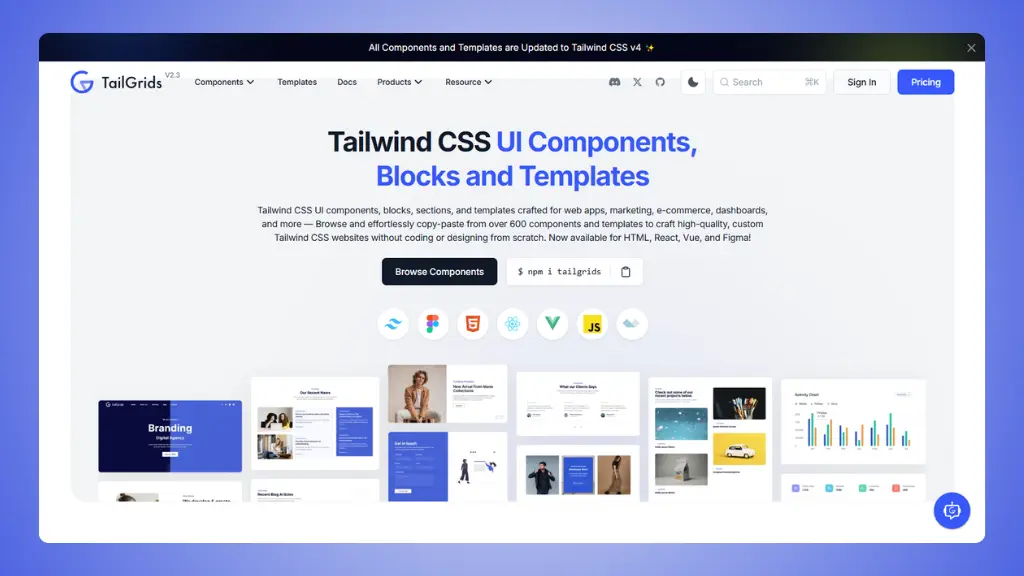
TailGrids offers 600+ components and templates for HTML, React, Vue,
and Figma. It’s one of the most comprehensive collections available.
What you get:
- 600+ components: Everything from buttons to
complete page sections
- Multi-framework: HTML, React, Vue, and Figma
files
- 13 example templates: Complete templates for
dashboards, eCommerce, etc.
- Figma source files: Design files included with
premium
- Copy-paste ready: Easy to use, no complex
setup
Pricing:
- Free: Decent collection of components
- Premium: Full access for $199 one-time payment
Why it’s useful:
- Massive component selection
- Framework flexibility
- Complete templates included
- Figma files for designers
The limitation:
- Can be overwhelming due to size
- Premium required for full collection
- Components may need customization to match together
4. Flowbite
Best for: Large open-source component library with
JavaScript interactivity
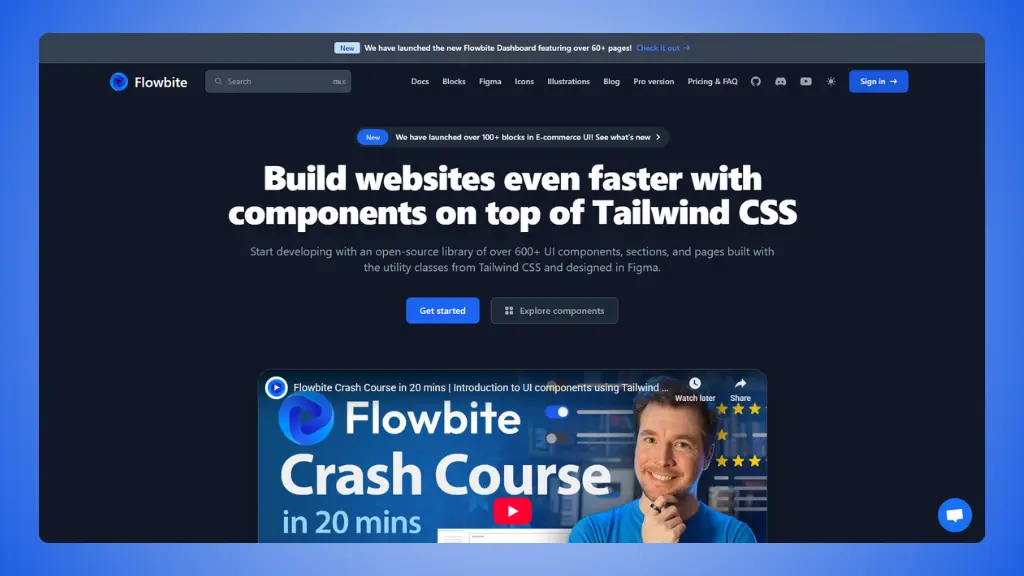 Website: Flowbite.com
Flowbite is one of the most popular Tailwind CSS component libraries,
with 56+ component types and interactive elements.
What makes it special:
- 56+ component types: From basic buttons to advanced
datepickers
- Interactive components: Modals, dropdowns, tooltips
with JavaScript
- Framework support: Vanilla JS, React, Vue,
Svelte
- 450+ free icons: SVG icon library included
- Figma design system: Design files available
- Large community: Popular and well-documented
Pricing:
- Free: All core components
- Developer Edition: $299 for UI blocks and application components
- Designer Edition: $169 for Figma design system
Why it’s useful:
- One of the largest free component collections
- Good documentation and community
- Interactive components work out of the box
- Multiple framework options
The limitation:
- JavaScript adds complexity
- Still need to assemble components into pages
- Pro version needed for templates
5. Sailboat UI
Best for: Simple, modern UI components
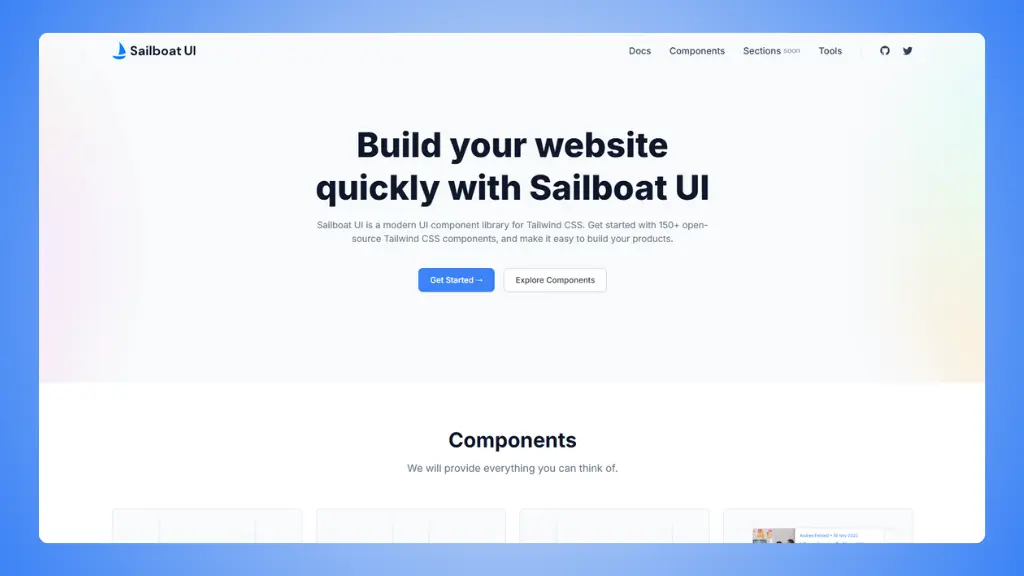 Website: Sailboat UI.com
Sailboat UI offers 150+ open-source Tailwind CSS components with a
focus on simplicity and modern design.
What you get:
- 150+ components: Avatars, badges, buttons, cards,
forms, and more
- Clean design: Modern, minimal aesthetic
- Copy-paste: Simple integration
- No setup required: Just works with Tailwind
CSS
Pricing:
Why it’s useful:
- Completely free
- Clean, modern design
- Easy to customize
- Good for quick projects
The limitation:
- Smaller library than others
- No templates or complete pages
- Basic documentation
6. Meraki UI
Best for: Beautiful components with RTL and dark
mode
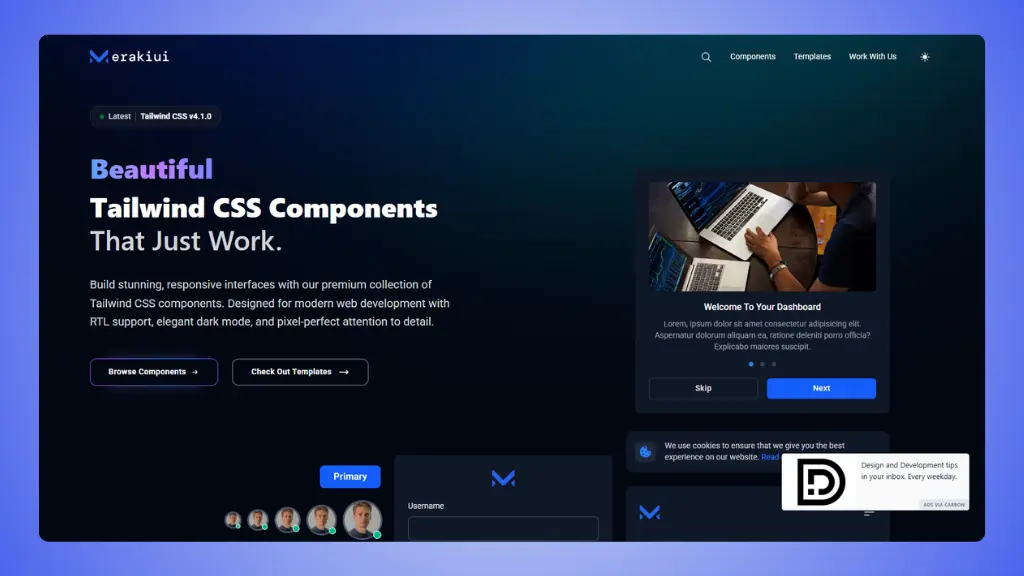 Website: Meraki UI.com
Meraki UI focuses on elegant design with full RTL language support
and sophisticated dark mode.
What makes it different:
- RTL support: Built for Arabic, Hebrew, and other
RTL languages
- Elegant dark mode: Not just inverted colors,
properly designed
- Beautiful design: Attention to detail in every
component
- Templates available: Both free components and
premium templates
- AlpineJS support: Interactive components
included
Pricing:
- Free: Many components available
- Templates: Premium templates from $49-$69
Why it’s useful:
- Best RTL support among alternatives
- Sophisticated dark mode implementation
- Beautiful, modern designs
- Good for international projects
The limitation:
- Smaller component library
- Premium templates required for complete pages
- May be overkill for simple projects
How to choose your
best HyperUI alternative?
Ask yourself these questions:
What do you need to build?
- Complete landing page → LandingGo
- Application UI → daisyUI or Flowbite
- Marketing website → TailGrids or Flowbite
- International site → Meraki UI
What’s your workflow preference?
- Copy-paste components → LandingGo, TailGrids, Flowbite
- Plugin with class names → daisyUI
- Design first, then code → Any with Figma files
What’s your budget?
- $0 → LandingGo (200+ free), daisyUI (all free), Sailboat UI (all
free)
- Under $50 → LandingGo Pro ($49), Flowbite Pro, Meraki UI
templates
- Under $100 → TailGrids premium
What framework are you using?
- Any framework → daisyUI, LandingGo
- React/Vue specific → Flowbite, TailGrids
- HTML only → LandingGo, HyperUI