When you’re building a website, choosing the right component library
can save you countless hours of development time. LandingGo and HyperUI are both excellent tools built on Tailwind CSS, but they serve different purposes.
I'll help you decide which Tailwind CSS component library is the best fit for your project.
Let's dive in.
What is LandingGo?
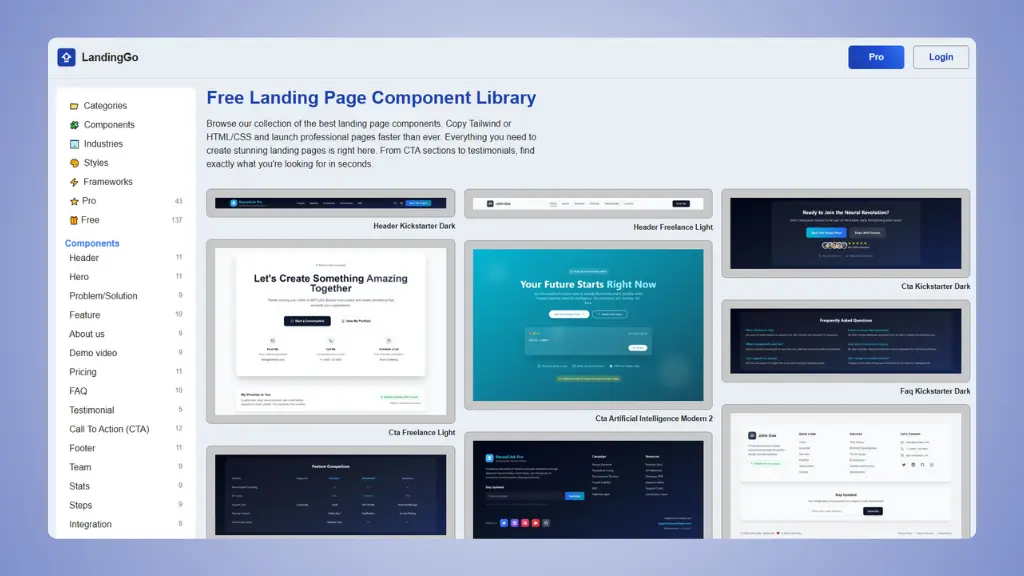 Website: LandingGo.com
LandingGo is a specialized component library by Kristof Budai, designed specifically for creating high-converting landing pages and marketing websites. Unlike generic component
libraries, LandingGo focuses on providing complete, cohesive landing
page sections that work together seamlessly.
LandingGo offers both free and pro components, making it accessible
for bootstrappers while providing premium options for those who want the
professional designs.
What is HyperUI?
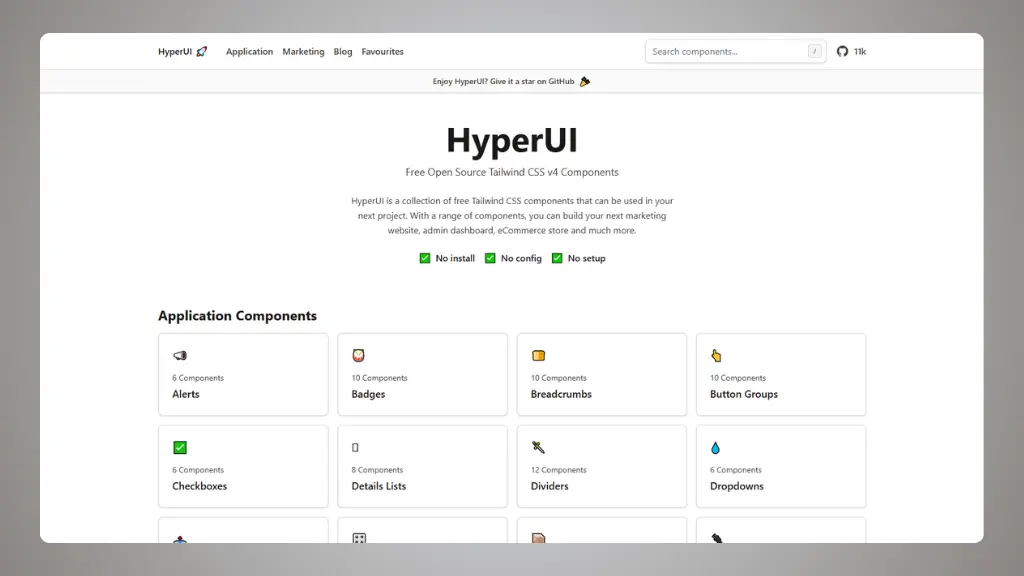 Website: HyperUI.dev
HyperUI is a comprehensive,
free and open-source Tailwind CSS component library created by Mark Mead. It offers a wide range of components split into two main
categories: Application Components and Marketing Components.
Best of all? It’s completely free. No installation, no configuration,
no setup required, just copy the code and paste it into your project.
When to choose LandingGo?
LandingGo is your best choice when:
You’re building a landing page or marketing website.
This is what LandingGo was built for. If your primary goal is to convert
visitors into customers, subscribers, or leads, LandingGo’s
conversion-optimized sections are designed specifically for this
purpose.
You need a professional design system out of the box.
If you don’t have time to ensure
visual consistency across sections, LandingGo handles this for you. Pick
a theme, and all components work together seamlessly.
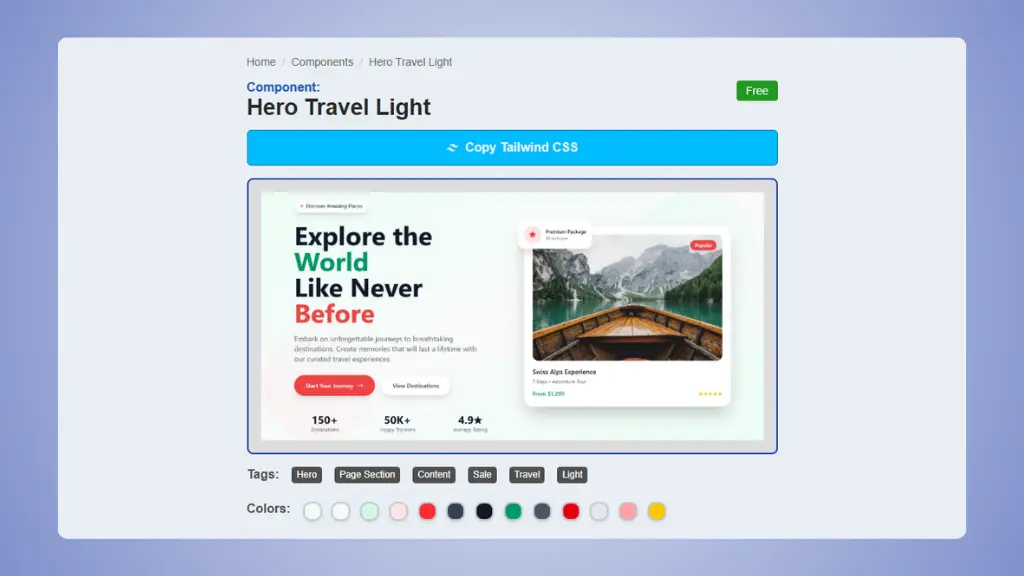 LandingGo component screenshot
→ HyperUI alternatives
You want industry-specific themes.
If you want to build a landing page for a specific industry, LandingGo has you covered. LandingGo has themes for SaaS, Fintech, E-commerce, Travel, Mobile App, and AI.
Design consistency matters to you.
When every section of your landing page needs to feel like part of the same
polished experience, LandingGo’s thematic approach ensures typography,
colors, spacing, and visual weight remain consistent throughout.
You’re building multiple landing pages.
If you’re an
agency or startup that regularly creates new landing pages, the pro tier
gives you access to premium themes that make each new page look
distinctly professional without starting from scratch.
Stop settling for basic components.
Get premium Tailwind sections and advanced features that help you ship faster than HyperUI.
Try it now →
When to choose HyperUI?
HyperUI is the better choice when:
You’re building an application or admin dashboard.
If you need tables, forms, modals, and navigation components for a web
application, HyperUI provides all of these essentials that landing page
libraries typically don’t include.
You need specific UI components.
Maybe you just need a really good modal dialog, or a set of form inputs with proper
validation states. HyperUI’s component-by-component organization makes
it easy to grab exactly what you need.
You’re working with a tight budget.
HyperUI is 100% free and open source. For bootstrapped startups, side projects, or
anyone watching their budget, this is an unbeatable value
proposition.
You want maximum flexibility.
If you prefer to build your own design system or need to match existing brand guidelines,
HyperUI’s neutral, adaptable components give you the flexibility to
customize everything.
You need both application and marketing components.
If you’re building a product that needs both a marketing website and an
application interface, HyperUI provides components for both scenarios in
one place.
Can you use both?
Absolutely! LandingGo and HyperUI serve complementary purposes, and
using both together can be a powerful strategy.
Since both libraries are built on Tailwind CSS, they’re inherently
compatible. You can easily use components from both in the same project
without conflicts.
💡 Example
Imagine you’re building a SaaS product. Here’s how you might use both
libraries:
Marketing Website (LandingGo): Use LandingGo’s SaaS
theme for your landing page, pricing page, and about page. The cohesive
design system ensures your marketing presence looks polished and
professional.
Application Dashboard (HyperUI): Use HyperUI’s
application components for your dashboard, data tables, settings forms,
and user management interfaces. These functional components prioritize
usability over marketing flair.
LandingGo and HyperUI are both excellent Tailwind CSS component
libraries, but they’re built for different purposes.
The best choice depends entirely on what you’re building. And
remember: you’re not locked into one or the other. Use the right tool for
each part of your project, and you’ll end up with better results.