Looking for a daisyUI alternative that offers more than semantic
class names?
The promise? Install a plugin and write cleaner code with class names
like btn and card.
The reality? It works great. But when you need complete landing pages
or complex layouts, you're still building everything piece by piece.
GOOD NEWS: There are alternatives that give you different approaches,
from complete page systems to copy-paste components.
What is daisyUI?
daisyUI is a Tailwind CSS plugin that adds component class names to
your project. Instead of writing dozens of utility classes for a button,
you write class="btn btn-primary".
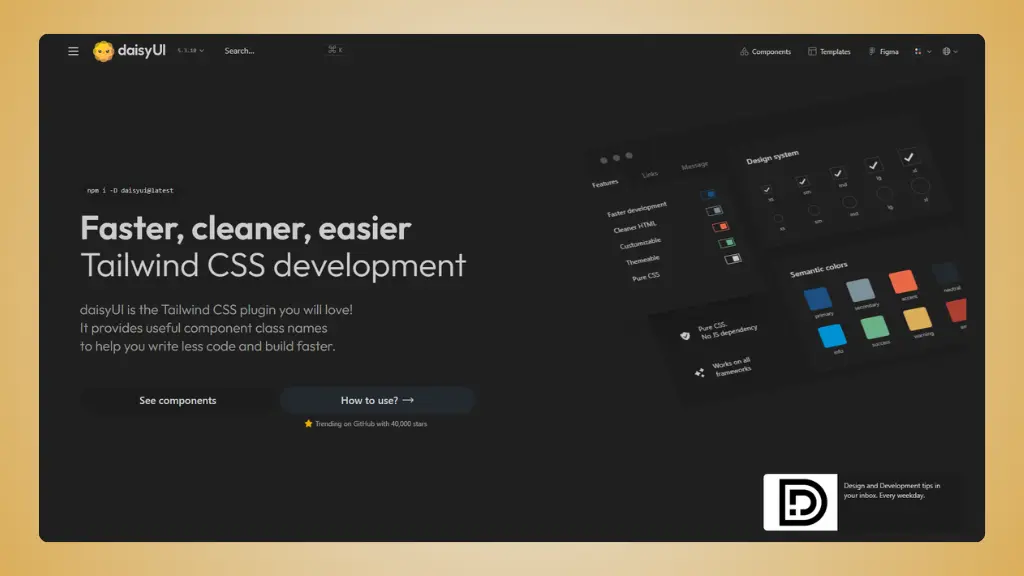 Website: daisyui.com
What you get:
- Plugin approach: Install once, use semantic class
names
- 55+ components: Buttons, cards, toggles, forms, and
more
- 30+ built-in themes: Switch themes without changing
your code
- Pure CSS: No JavaScript required
- 88% fewer classes: Much cleaner HTML than pure
Tailwind
- Framework agnostic: Works with React, Vue, or plain
HTML
- Completely free: MIT license
The downsides:
You're getting individual components with a different workflow than
most libraries. You need to learn daisyUI's class names, and you're
still assembling everything into complete pages yourself.
→ daisyUI pricing (detailed pricing breakdown)
6 daisyUI alternatives worth trying
Short version:
The best daisyUI alternatives right now are:
LandingGo, Shadcn UI, Preline UI, Flowbite, TailGrids,
and HyperUI.
That's the shortlist. Here's the long version:
1. LandingGo
Best for: Complete landing pages with matching
components
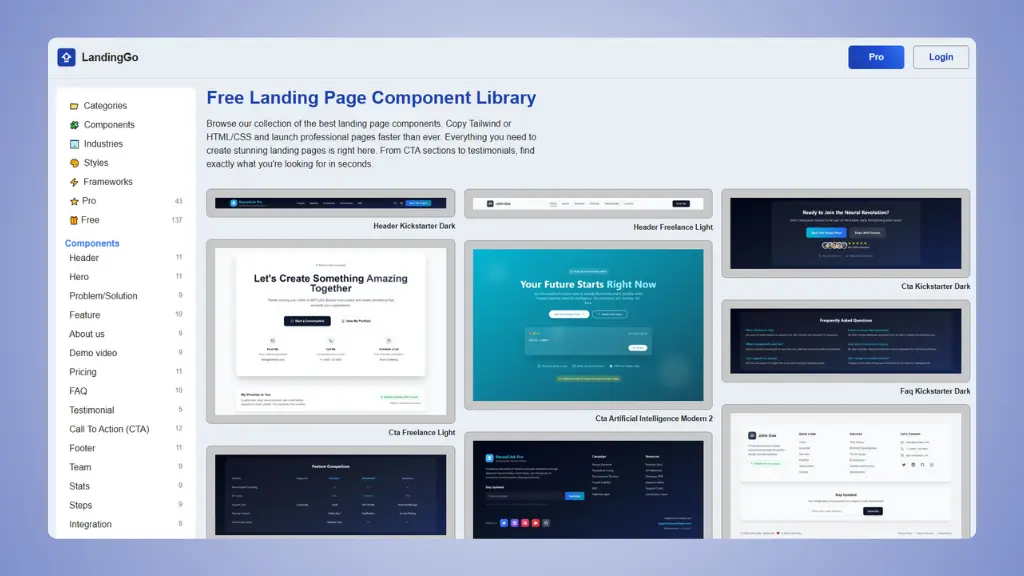 Website: LandingGo.com
If you need more than individual components, LandingGo takes a
different approach.
It's a landing page component library with components organized to
build complete pages, not just scattered pieces.
What makes it good:
- Uniform design: All components match, so building
complete pages is fast
- Industry specific: Components grouped by industry
(AI, SaaS, Mobile App)
- Two code formats: Copy as Tailwind CSS or standard
HTML/CSS
- Landing page templates: Real examples you can
use
- Multiple design styles: Dark, Modern, Minimal, and
more
Pricing:
- Free: 200+ components
- Pro: Full collection for $49 one-time
Why it's useful:
- Components designed to work together
- Organized by industry and use case
- HTML/CSS option if you want to avoid framework dependencies
- Complete page examples included
The limitation:
- Focused on landing pages, not application UI
- Smaller component library than some alternatives
- Less flexibility than building from scratch
👉 Try LandingGo and build your landing page today.
👉 LandingGo vs daisyUI full detailed comparison.
2. Shadcn UI
Best for: Owning your component code completely
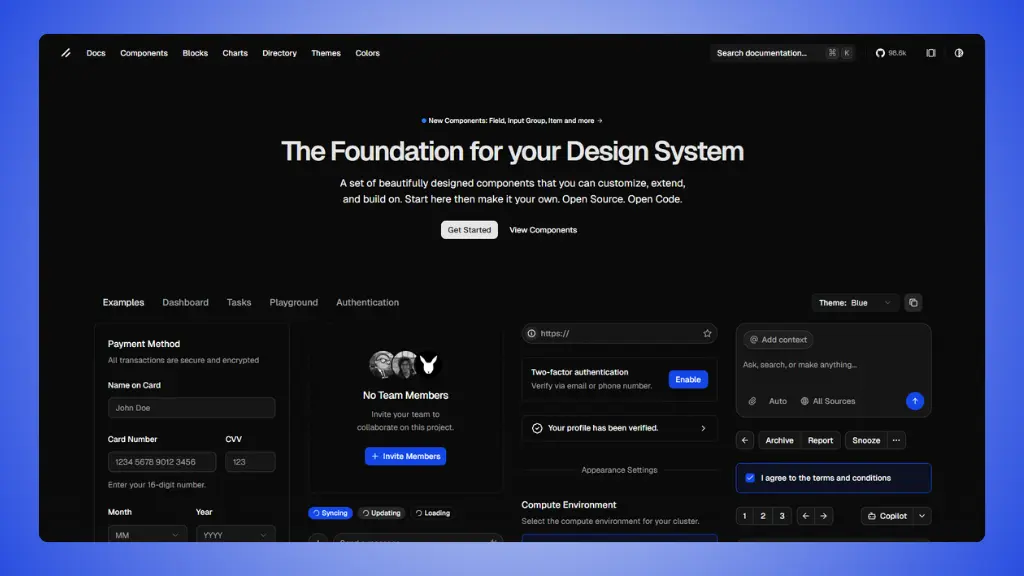 Website: ui.shadcn.com
Shadcn UI takes a radical approach. You don't install it as a
dependency. You copy the component code directly into your project.
What makes it different:
- Copy-paste approach: Components live in your
codebase
- Built on Radix UI: Accessible by default
- Full customization: Change anything because you own
the code
- TypeScript support: Fully typed components
- No dependencies: No npm packages to maintain
- CLI tool: Easy to add new components
Pricing:
Why it's useful:
- Total control over your components
- No version conflicts or breaking changes
- Components match your code style
- Great for building design systems
The limitation:
- Different workflow than traditional libraries
- Need to manage updates yourself
- Requires React (not framework agnostic like daisyUI)
3. Preline UI
Best for: Large free component collection with
plugins
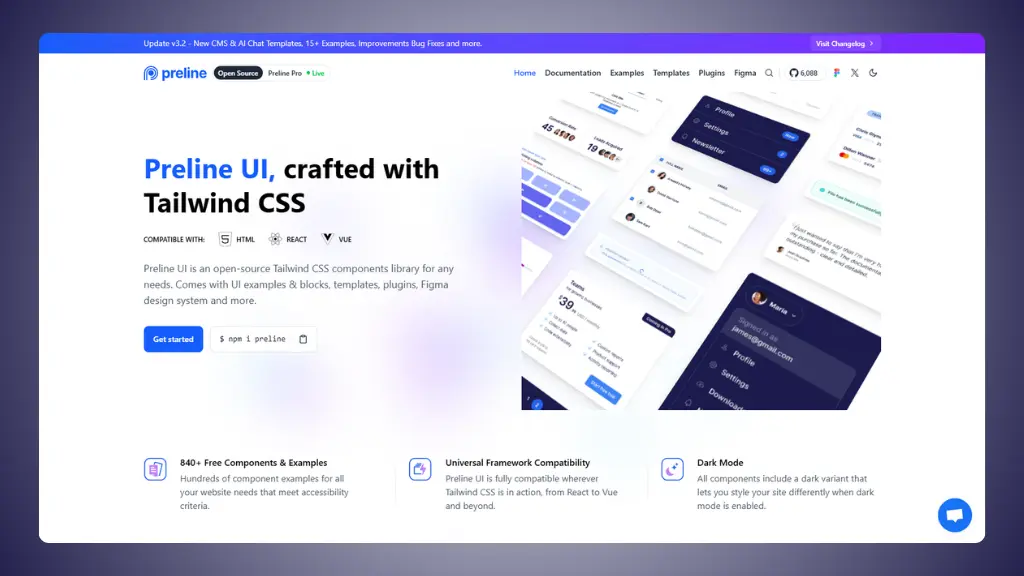 Website: preline.co
Preline UI offers one of the largest free Tailwind CSS component
libraries, with over 300 components and 160 starter pages.
What you get:
- 300+ components: Extensive collection
- 160+ starter pages: Pre-built page layouts
- Unstyled plugins: Accessible UI plugins for
advanced features
- Figma design system: Free Figma files included
- Framework support: Works with HTML, React, Vue
- Dark mode: Built into all components
Pricing:
- Free: All core components and plugins
- Pro: Premium templates and additional pages
Why it's useful:
- Massive free component library
- Starter pages speed up development
- Figma integration for designers
- Active development and updates
The limitation:
- Can be overwhelming due to size
- Requires JavaScript for interactive components
- Need to learn Preline's structure
4. Flowbite
Best for: Interactive components with strong
community
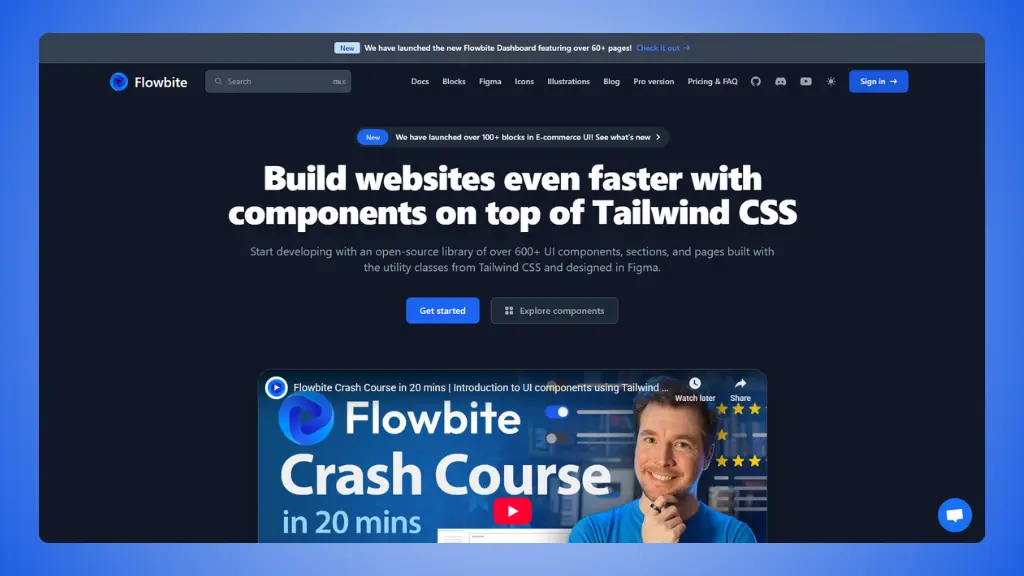 Website: flowbite.com
Flowbite is one of the most popular Tailwind CSS libraries, with
interactive components that include JavaScript functionality.
What makes it special:
- 450+ components: One of the largest
collections
- Interactive elements: Modals, dropdowns,
datepickers
- Framework support: Vanilla JS, React, Vue,
Svelte
- 450+ icons: Free SVG icon library
- Figma files: Design system available
- Strong community: Popular and well-documented
Pricing:
- Free: All core components
- Pro: Advanced components from $299
Why it's useful:
- Large free component collection
- Interactive components work out of the box
- Good documentation
- Multiple framework options
The limitation:
- JavaScript dependency
- Larger bundle size than CSS-only solutions
- Still need to build complete pages
5. TailGrids
Best for: Multi-framework component library
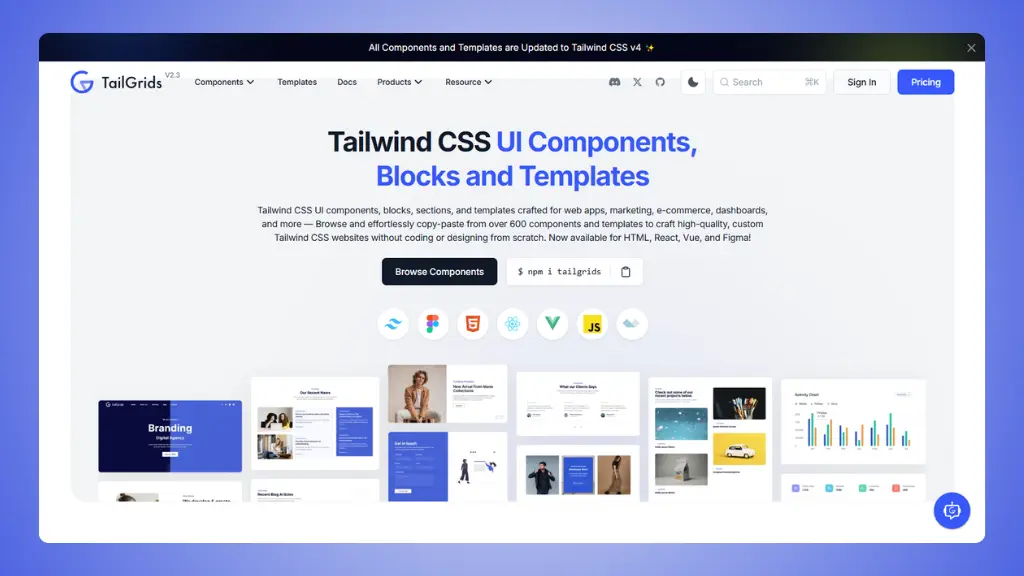 Website: TailGrids.com
TailGrids provides 600+ components with code for HTML, React, and
Vue, plus Figma files.
What you get:
- 600+ components: Large collection
- Multi-framework: HTML, React, Vue code
- Templates included: Complete page templates
- Figma files: Design files with premium
- Copy-paste ready: Easy integration
Pricing:
- Free: Good component selection
- Premium: Full library for $199 one-time
Why it's useful:
- Massive component library
- Framework flexibility
- Templates save time
- One-time payment
The limitation:
- Premium required for full access
- Components may need styling adjustments
- Large library can be hard to navigate
6. HyperUI
Best for: Free copy-paste Tailwind components
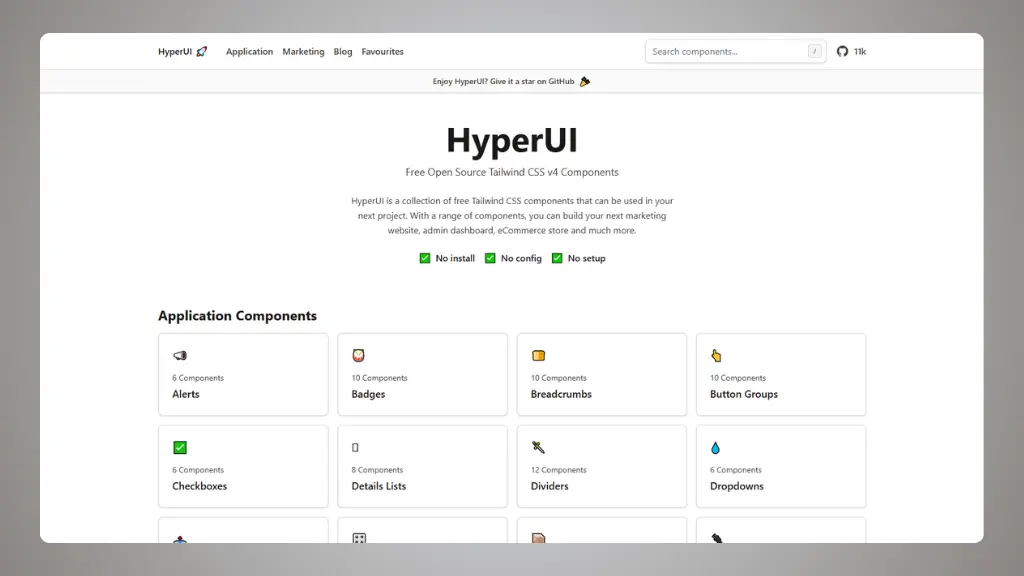 Website: hyperui.dev
HyperUI is a completely free, open-source collection of Tailwind CSS
components by Mark Mead.
What you get:
- 200+ components: Free to use
- No installation: Just copy and paste
- Dark mode: Built into components
- RTL support: Right-to-left layouts
- Framework flexible: Works anywhere
- MIT license: Use anywhere, no restrictions
Pricing:
Why it's useful:
- Completely free
- No setup required
- Clean, modern designs
- Active maintenance
The limitation:
- Individual components only
- Need to build pages yourself
- No templates or complete pages
How to choose your
best daisyUI alternative?
Ask yourself these questions:
What's your workflow preference?
- Want semantic class names like daisyUI → Stay with daisyUI
- Want to own component code → Shadcn UI
- Want copy-paste components → LandingGo, HyperUI, Flowbite
- Want complete pages → LandingGo, Preline UI
What do you need to build?
- Landing pages → LandingGo
- Application UI → Shadcn UI, Flowbite
- Marketing websites → Preline UI, TailGrids
- Quick projects → HyperUI
What's your budget?
- $0 → HyperUI (all free), LandingGo (200+ free), Shadcn UI (all
free)
- Under $50 → LandingGo Pro ($49)
- Under $200 → TailGrids premium ($199)
- More features → Flowbite Pro, Preline Pro
What framework are you using?
- React only → Shadcn UI
- Any framework → daisyUI, LandingGo, HyperUI
- Multiple frameworks → Flowbite, TailGrids, Preline UI