Here's something that confuses a lot of developers: daisyUI pricing
seems almost too good to be true. The core library? Completely free. The
premium templates? Starting at $29.
If you've been comparing Tailwind CSS component libraries, you're
probably wondering where the catch is. I'll break down exactly what's
free, what costs money, and whether daisyUI makes sense for your
project.
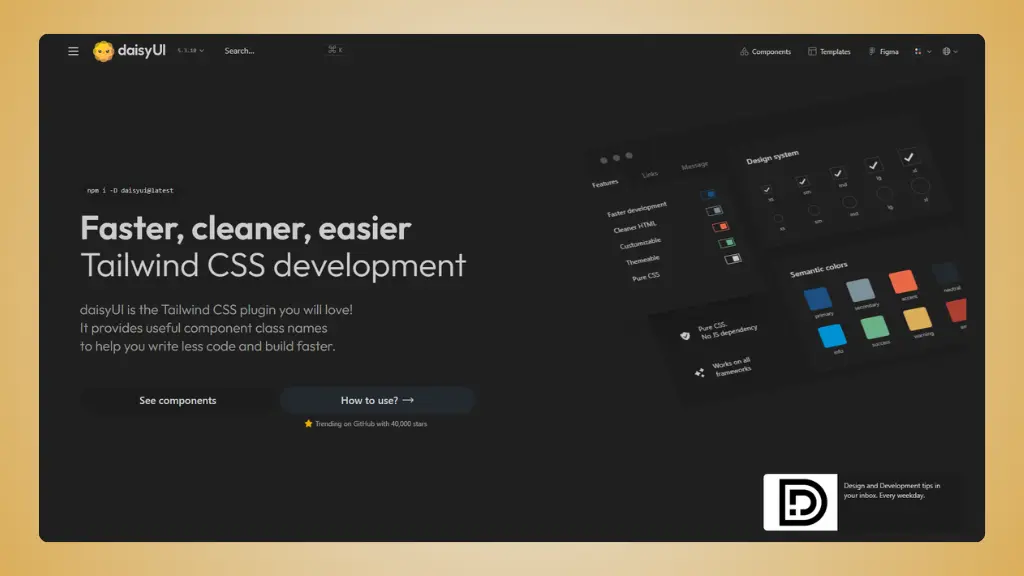 Website: daisyUI.com
daisyUI pricing overview: What's free vs paid
Let's start with the most important thing.
The core daisyUI library
Free and open source
The main daisyUI component library costs nothing. Zero. You get:
- 60+ pre-built components (buttons, cards, modals, forms, etc.)
- 500+ utility classes
- 32 built-in themes with dark mode support
- Pure CSS solution - no JavaScript required
- Framework-agnostic (works with React, Vue, Angular, whatever)
- Full Tailwind CSS customization capabilities
- Commercial use allowed
This is the part most developers use. Install it via npm, add it to
your Tailwind config, and you're done.
The catch? There isn't one. daisyUI is genuinely free for everything
from personal projects to commercial products.
daisyUI store templates
$29-$499 per template
Here's where daisyUI makes money. They sell premium templates in
their official store:
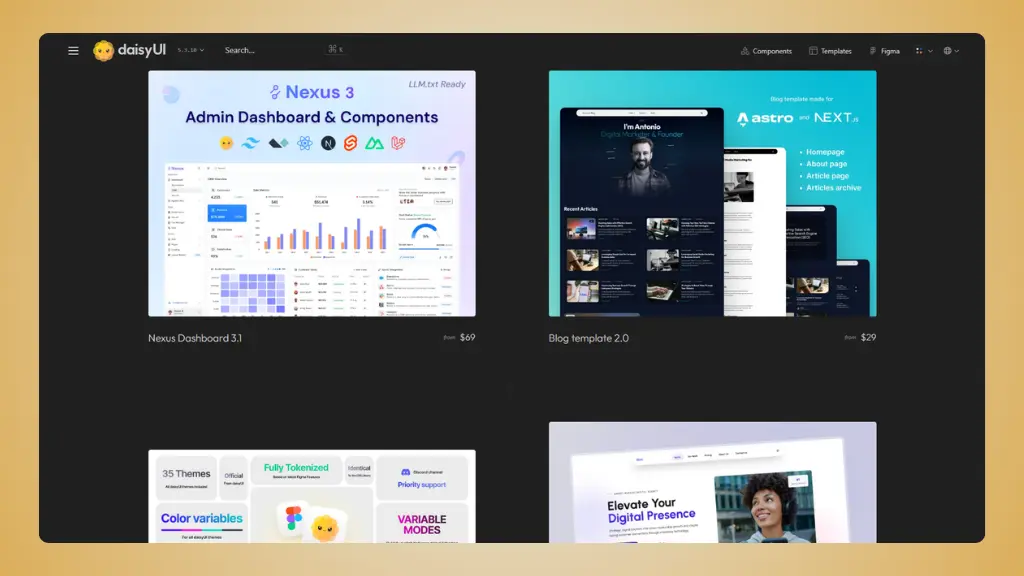 daisyUI store templates
Blog Template
- $29: Solo license (1 developer, 1 project)
- $49: Developer license (unlimited developers, unlimited projects)
- $299: Extended license (with redistribution rights)
- Includes: Next.js and Astro versions, multiple layout options, SEO-friendly, dark mode
HTML Dashboard Template
- $29: Single purchase
- Framework agnostic
- 14 dashboard blocks
- 2 exclusive themes
- Lightweight, no dependencies
Nexus Dashboard
- $69: Solo license (HTML only, 1 dev, 1 project)
- $149: Team license (HTML + React + Next + Nuxt + SvelteKit, unlimited devs, unlimited projects)
- $499: Enterprise license (includes Laravel version)
- Includes: 3 dashboard layouts, e-commerce pages, file manager, chat app, AI app pages, 50+ common layouts
Scalo Startup Template
- $69: Solo license
- $149: Team license
- $499: Enterprise license
- Includes: 36 pages, component blocks, built with Tailwind CSS 4 and daisyUI 5
Online Store Template
- $29-$299 (same license tiers as blog template)
- Integrates with LemonSqueezy or Gumroad API
- Product pages, checkout, order confirmation
Bundle Deals
- Save up to $99 when buying Nexus + Scalo together
- Team License Bundle: Both templates with team licenses
- Enterprise License Bundle: Both templates with enterprise licenses
All template purchases include:
- One-time payment (no subscriptions)
- Free updates and bug fixes
- Discord support
Copy code. Launch faster.
daisyUI simplifies Tailwind with semantic classes, but when you need
landing page components specifically designed for conversion,
LandingGo gives you production-ready Tailwind CSS code
optimized for marketing pages.
Try LandingGo Free →
What you're really paying for
Let me be clear about this.
With the free library
You're getting a production-ready component system.
daisyUI simplifies Tailwind CSS by adding semantic class names. Instead
of writing 20 utility classes for a button, you write
class="btn btn-primary".
The time savings are real. daisyUI reduces your HTML
by about 79% and cuts class names by 88% compared to pure Tailwind.
That's not marketing fluff - it's measurable.
You maintain full control. Since daisyUI is built on
Tailwind, you can override anything with utility classes. It's not a
black box.
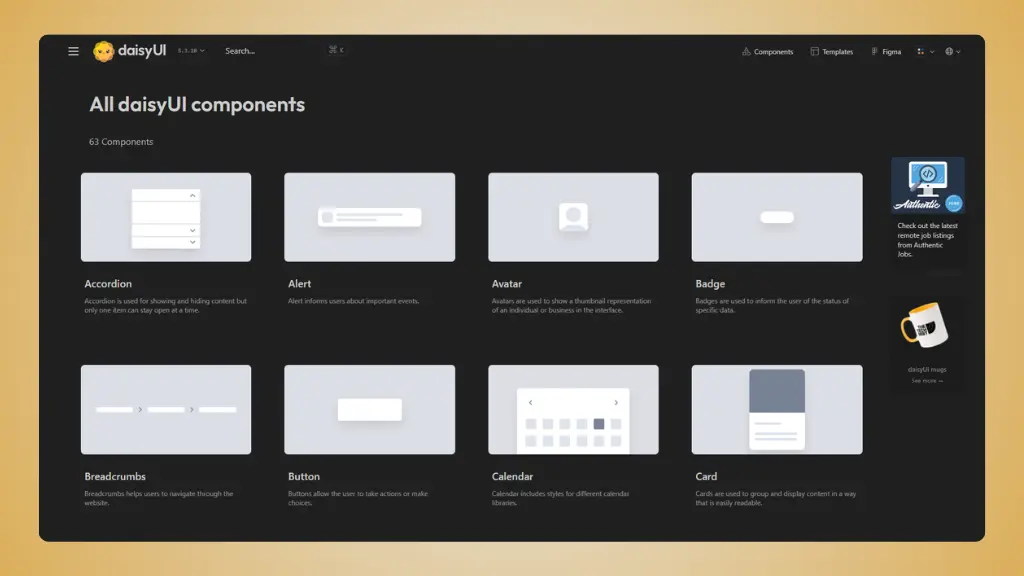 daisyUI free components
With the premium templates
Full page layouts, not just components. The
templates give you complete admin dashboards, landing pages, and
multi-page apps. These aren't component libraries - they're
production-ready starting points.
Multi-framework support. The Team and Enterprise
licenses include versions for React, Next.js, Nuxt, SvelteKit, and
Laravel. One purchase, multiple codebases.
Time to market. A dashboard template at $69 saves
you 20-40 hours of development. At any reasonable hourly rate, that's a
bargain.
The pros
- Core library is completely free for commercial use
- No vendor lock-in or recurring fees
- Works with any JavaScript framework
- Smaller file size than most component libraries
- Active community and regular updates
- Premium templates are reasonably priced
- One-time payments, no subscriptions
The cons
- Premium templates have limited selection (only ~5 official
templates)
- Free library doesn't include complex dashboard layouts
- Template documentation could be more detailed
- No official visual page builder
- Smaller template library compared to competitors
daisyUI pricing vs competition
Here's how daisyUI stacks up against other Tailwind component
solutions:
| daisyUI |
Tailwind developers who want semantic classes |
Free |
$29-$499 |
Yes |
| Flowbite |
Multi-framework teams |
Free |
$279-$499 |
Yes |
| LandingGo |
Landing page builders |
Free tier |
$49 for Pro |
Yes |
| Preline UI |
Large-scale projects |
Free |
$99-$499 |
Yes |
| Tailwind UI |
Official Tailwind components |
Free |
$299-$599 |
Yes |
| shadcn/ui |
React developers |
Free |
N/A |
N/A |
daisyUI sits in a sweet spot: free for most developers, affordable
premium options for those who need them.
For more detailed comparisons, check out the daisyUI alternatives page.
When is daisyUI worth it?
Use the Free Library If:
- You're building with Tailwind CSS and want cleaner
HTML
- You like semantic class names more than pure
utility classes
- You want multiple theme options out of the box
- You need framework flexibility - works with
anything
- You're tired of writing the same components over
and over
- You want Bootstrap-like simplicity with Tailwind
power
The free library handles 90% of use cases.
Buy premium templates if:
- You need a complete dashboard ready to
customize
- You're building a SaaS admin panel or internal
tool
- You work with multiple frameworks and want
consistent design
- You value time over money - templates save weeks of
work
- You need professional design without hiring a
designer
- You want multiple versions (HTML, React, Vue, etc.)
in one purchase
Skip the templates if you're just building marketing sites or simple
landing pages. The free components handle that perfectly.
Copy code. Launch faster.
daisyUI simplifies Tailwind with semantic classes, but when you need
landing page components specifically designed for conversion,
LandingGo gives you production-ready Tailwind CSS code
optimized for marketing pages.
Try LandingGo Free →
Why developers use LandingGo alongside daisyUI
Here's something interesting: many developers use both tools in the
same tech stack.
They solve different problems
daisyUI: General-purpose components with semantic
class names. Great for dashboards, admin panels, and full
applications.
LandingGo: Specialized landing page components.
Designed specifically for conversion-focused marketing pages.
Think of it this way: daisyUI is your go-to for building app
interfaces. LandingGo is what you reach for when creating landing pages
that need to convert.
The price advantage
LandingGo Pro: $49 vs daisyUI Templates:
$69-$499
If you're only building landing pages, LandingGo costs significantly
less. It focuses exclusively on landing page components and does it
really well.
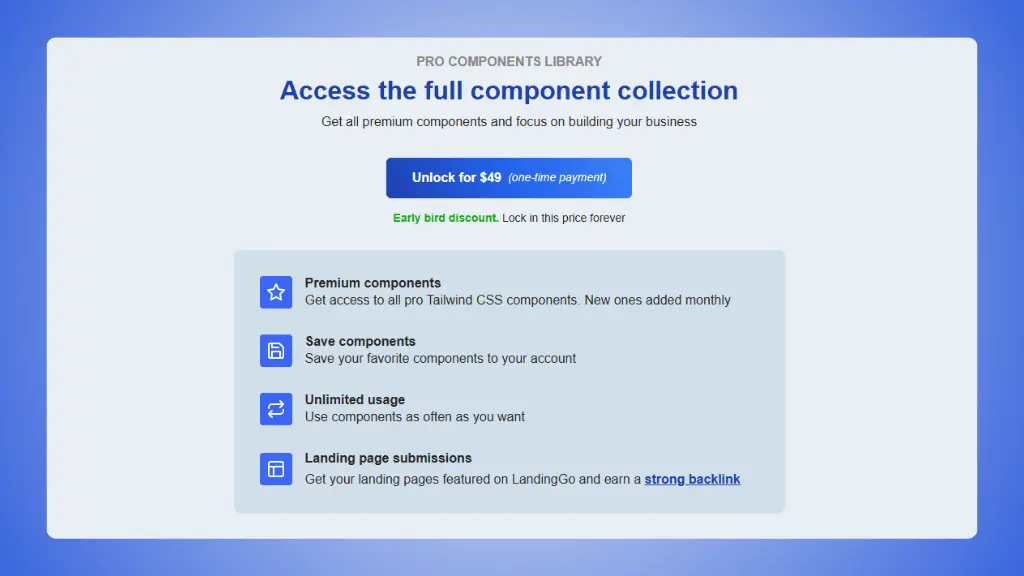 LandingGo pricing plans
→ LandingGo vs daisyUI
What LandingGo does better
- Landing page-specific components. Everything is
optimized for marketing and conversion.
- Production-ready code. Copy, paste, customize. No
framework overhead.
- Lower price point. $49 for unlimited landing page
components.
- Easier to browse. Smaller library means you find
components faster.
- Focus on one framework. Pure Tailwind CSS without
abstractions.
What daisyUI does better
- Semantic class names.
btn instead of
px-4 py-2 bg-blue-500...
- Built-in theming system. 32 themes plus dark mode
automatically.
- Complete component library. Everything from buttons
to complex forms.
- Plugin architecture. Extends Tailwind instead of
replacing it.
- Premium dashboard templates. Full admin interfaces
when you need them.
The smart combo
Use both for $49-$78 total:
- LandingGo Pro ($49) for all your landing page needs
- daisyUI free library (or premium templates if needed)
That's still cheaper than most single component libraries.
Final thought
daisyUI pricing is straightforward: the core library is free, and
premium templates are affordable.