If you're building websites with Tailwind CSS, you've probably come
across both LandingGo and daisyUI. They both make development faster,
but they work in completely different ways. Let's break down what each
one does and help you pick the right tool for your project.
LandingGo vs daisyUI: Compared
| Primary Focus |
Landing page components |
General UI component classes |
| What You Get |
Ready-to-use HTML/CSS code |
Semantic CSS class names |
| Code Format |
Tailwind CSS, HTML/CSS |
Pure CSS plugin for Tailwind |
| Component Style |
Copy-paste complete sections |
Utility class names (btn, card, etc.) |
| Free Tier |
✓ (200+ components) |
✓ (All 55+ components free) |
| Pro/Paid Access |
$49 one-time |
Free (premium templates from $19) |
| Best For |
Building landing pages quickly |
Building any type of application |
| Themes |
Industry-specific collections |
30+ built-in color themes |
Quick decision guide:
- Choose LandingGo if: You need to build landing
pages fast, want complete section code ready to use, prefer organized
collections by industry (SaaS, Fintech, E-commerce), and like seeing
real examples
- Choose daisyUI if: You're building a full
application (not just landing pages), want semantic class names to
reduce code, need extensive theming options, or prefer a component
library approach
What is LandingGo?
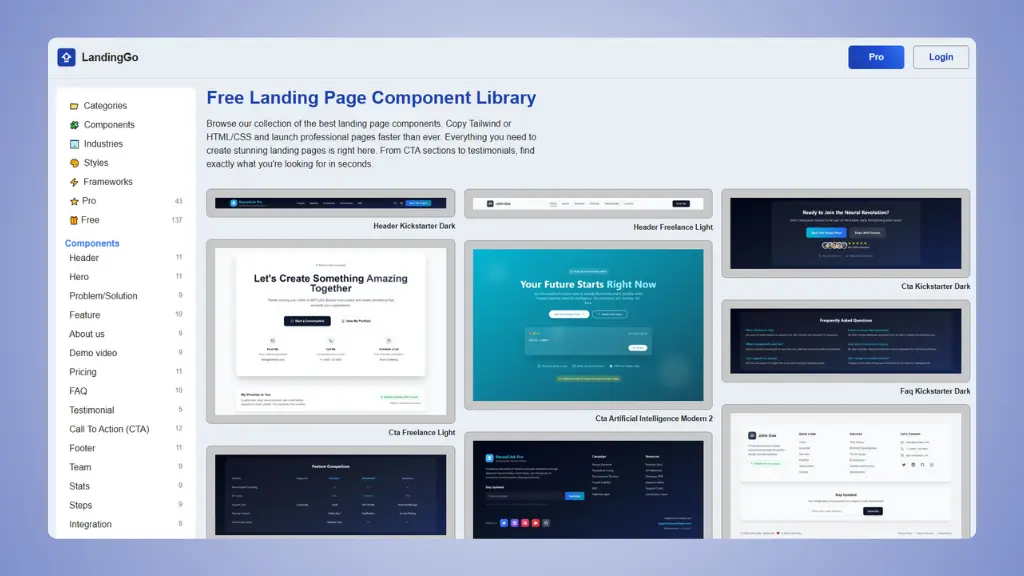
LandingGo is a component library focused specifically on landing
pages. It gives you complete, ready-to-use sections like hero areas,
pricing tables, testimonials, and CTAs. You browse the collection, find
what you need, copy the code, and paste it into your project.
Think of it like a collection of pre-built Lego sets. You get
complete sections that work together, organized by style and
industry.
 Website: LandingGo.com
→ daisyUI alternatives
Key features:
- 200+ components organized by landing page sections
(Hero, CTA, Pricing, FAQ, etc.)
- Industry collections for SaaS, E-commerce, Fintech,
Mobile Apps, and more
- Multiple styles including Minimal, Modern, Dark,
and Glassmorphism
- 200+ free components you can use without paying
- Real landing page examples for inspiration
- One-time payment of $49 for Pro (no
subscription)
What is daisyUI?
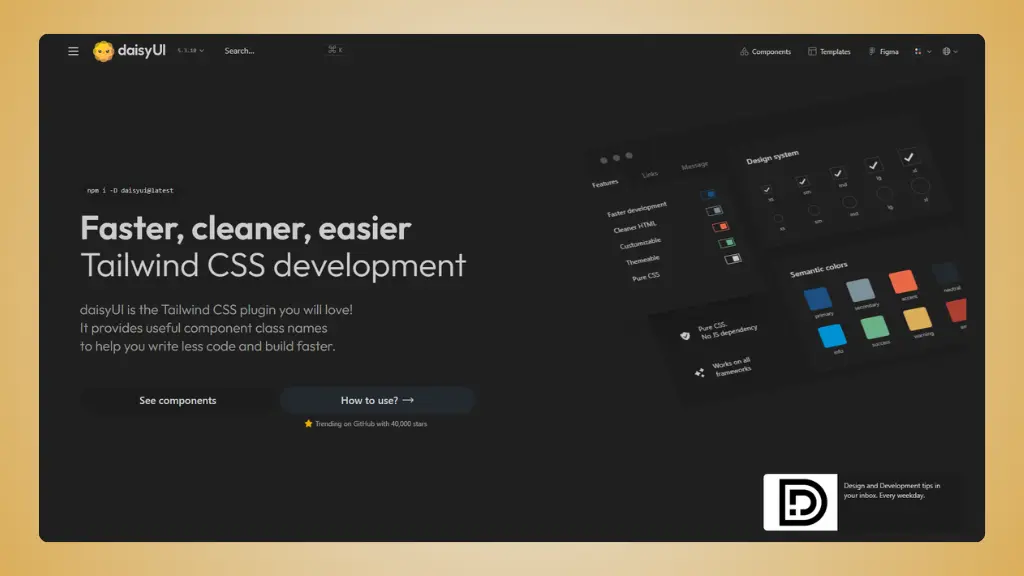
daisyUI is a plugin for Tailwind CSS that adds semantic component
class names. Instead of writing long strings of utility classes for
every button, you write btn. It's designed to make your
HTML cleaner and your development faster.
It's like having shortcuts for common UI patterns. You still use
Tailwind utilities when you need them, but you get helpful class names
for the basics.
 Website: daisyUI.com
Key features:
- 55+ components including buttons, cards, modals,
forms, and more
- All components free to use
- 30+ themes built-in, plus custom theme support
- 2KB size with no JavaScript dependencies
- Semantic class names like
btn,
card, modal
- Works with any framework (React, Vue, Svelte, plain
HTML)
- Premium templates available $19-69 (optional)
→ daisyUI pricing
Building landing pages with individual components? There's a faster way.
LandingGo gives you complete landing page sections, not just buttons and cards. Ship your next page in hours, not days.
Try it now →
Main differences explained
1. Purpose and scope
LandingGo is laser-focused on landing pages. Every
component is designed to help you build marketing pages that convert.
You get hero sections, testimonials, pricing tables, CTAs - all the
pieces of a typical landing page.
daisyUI is a general-purpose UI library. You can
build anything - dashboards, apps, admin panels, or yes, landing pages.
It's not specialized for any one type of website.
2. How you use them
LandingGo: Browse, copy, paste. You get complete
HTML/CSS code for entire sections. Copy it into your project and
customize it.
daisyUI: Install as a plugin, then use class names.
Add class="btn btn-primary" to your button. The styling is
handled by the plugin.
3. Code style
LandingGo gives you complete code blocks:
<section class="bg-gradient-to-r from-blue-500 to-purple-600 py-20">
    <div class="max-w-7xl mx-auto px-4">
    <!-- Complete hero section code here -->
    </div>
  </section>
daisyUI gives you shorter, cleaner markup:
<button class="btn btn-primary">Click me</button>
Instead of:
<button class="bg-blue-500 hover:bg-blue-700 text-white font-bold py-2 px-4 rounded">
    Click me
  </button>
4. Organization
LandingGo organizes by landing page sections and
industries. Looking for a SaaS hero section? Go to Industries > SaaS
> Hero.
daisyUI organizes by component type. Looking for a
button? Go to Components > Button.
5. Customization
LandingGo: You customize by editing the Tailwind
classes directly in the code you copied.
daisyUI: You customize using Tailwind utilities on
top of daisyUI classes, or by configuring themes.
Building landing pages with individual components? There's a faster way.
LandingGo gives you complete landing page sections, not just buttons and cards. Ship your next page in hours, not days.
Try it now →
Why choose LandingGo?
1. Speed for landing pages
If you need to build a landing page by tomorrow, LandingGo saves you
hours. The components are already put together and styled. You're not
building from scratch.
2. Industry-specific designs
Need a Fintech landing page? There's a complete set of components
designed for that. SaaS? Marketing agency? Mobile app? Each industry has
its own collection with matching styles.
3. Complete sections
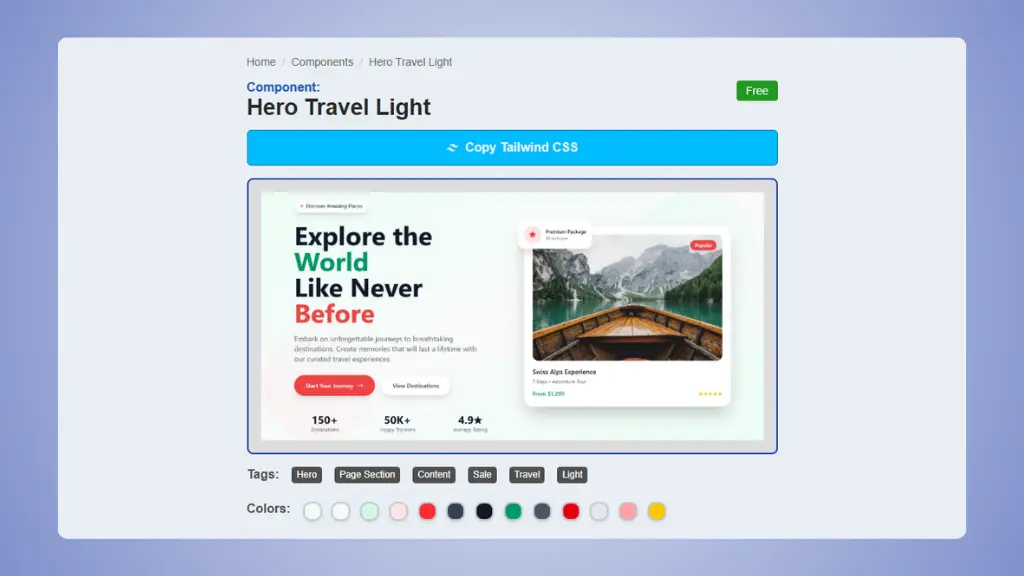
You get entire sections, not just individual components. A complete
hero with headline, subheading, CTA buttons, and background image. A
full pricing section with three tiers. This saves time on layout
decisions.
 LandingGo component screenshot
4. Real examples to learn from
LandingGo includes a gallery of real landing pages. You can see how
successful companies structure their pages and use similar patterns in
your own work.
5. Generous free tier
200+ free components is enough to build multiple complete landing
pages without paying anything.
Why choose daisyUI?
1. Cleaner code
Your HTML becomes much more readable. Instead of 20 utility classes
on every element, you use semantic names. This is huge for maintenance
and team collaboration.
Compare this daisyUI code:
<div class="card">
    <div class="card-body">
    <h2 class="card-title">Hello</h2>
    <p>Content here</p>
    </div>
  </div>
To the equivalent Tailwind utilities (would be about 3x longer).
2. Completely free
The entire component library is free. No paid tiers for basic
components. You only pay if you want their premium templates (which is
optional).
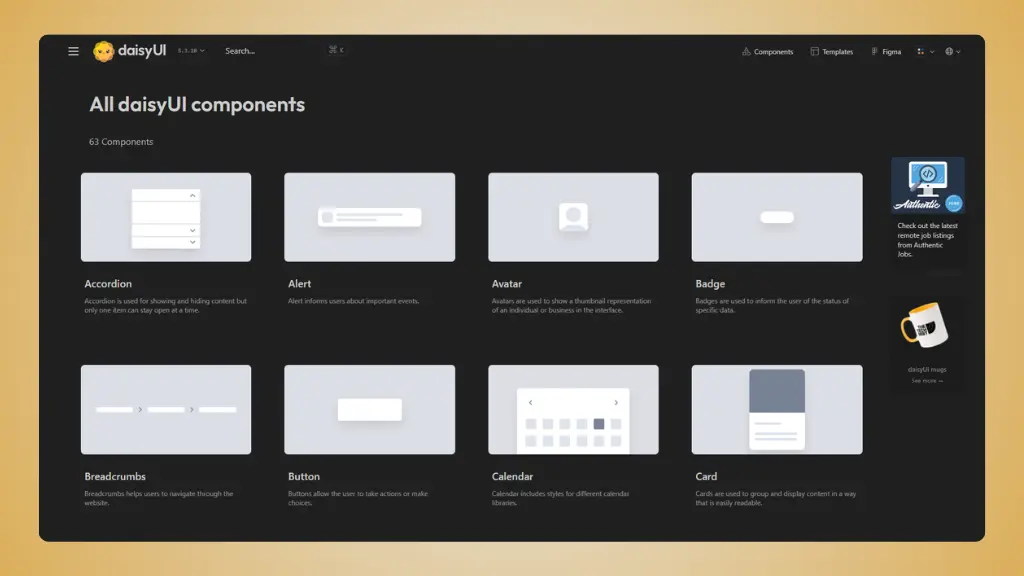 daisyUI components
3. Better for full
applications
If you're building a dashboard, admin panel, or any complex
application, daisyUI's broad component library fits better. LandingGo is
great for marketing pages but won't help you build a settings panel or
data table.
4. Amazing theme system
Switch your entire app's look with one attribute change. Need dark
mode? That's built in. Want to rebrand for a client? Configure a new
theme. This is incredibly powerful for agencies or white-label
products.
5. Framework agnostic
Because it's pure CSS, you can use daisyUI anywhere. React, Vue,
Svelte, or plain HTML. No framework-specific components to worry
about.
At 2KB with zero JavaScript, daisyUI adds almost nothing to your
bundle size. It's just CSS classes.
Can you use both together?
Yes! They're not mutually exclusive. Here's how this could work:
- Use daisyUI for your app's UI components (buttons,
forms, modals, etc.)
- Use LandingGo for your marketing landing pages
Since both are built on Tailwind CSS, they work together nicely. You
could even pull daisyUI components into a LandingGo page or vice
versa.