You found Flowbite. The components look solid. But here's the thing:
you're still spending hours figuring out how everything fits
together.
Flowbite gives you 600+ components. But when you need to build a
complete page, you're on your own. Matching styles, creating layouts,
making everything work together, it all takes time.
Here's the good news: there are alternatives that solve this problem.
Some give you complete pages. Others make your code cleaner. And yes,
many are cheaper (or free).
What is Flowbite?
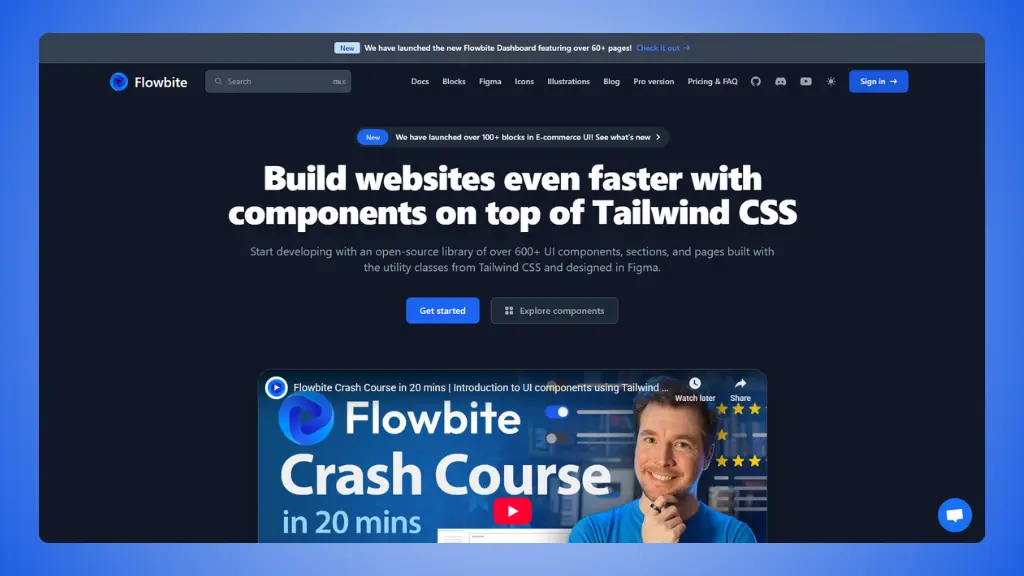
Flowbite is an open-source library of Tailwind CSS components. It
gives you buttons, forms, modals, navbars, and pretty much everything
you need for a website. The library includes JavaScript for interactive
elements like dropdowns and tooltips.
 Website: Flowbite.com
What you get:
- 600+ components: Everything from simple buttons to
complex data tables
- Multi-framework support: Works with React, Vue,
Svelte, and plain JavaScript
- Interactive elements: Modals, dropdowns, tooltips
with built-in JavaScript
- Figma design system: Design files for your
team
- Dark mode support: All components work in dark
mode
- Large community: Popular library with good
documentation
Pricing:
- Free: Core components available to everyone
- Pro: $299 for UI blocks and application
components
- Figma: $169 for the design system
The reality:
Flowbite gives you great components. But you still need to build
complete pages from scratch. You'll spend time making sure everything
matches and works together.
→ Flowbite Pricing (detailed pricing breakdown)
6 Flowbite alternatives
worth trying
Short version:
The best Flowbite alternatives right now are:
LandingGo, Preline UI, daisyUI, TailGrids, HyperUI, and
Meraki UI.
That's the shortlist. Here's the long version:
1. LandingGo
Best for: Complete landing pages without the
assembly work
 Website: LandingGo.com
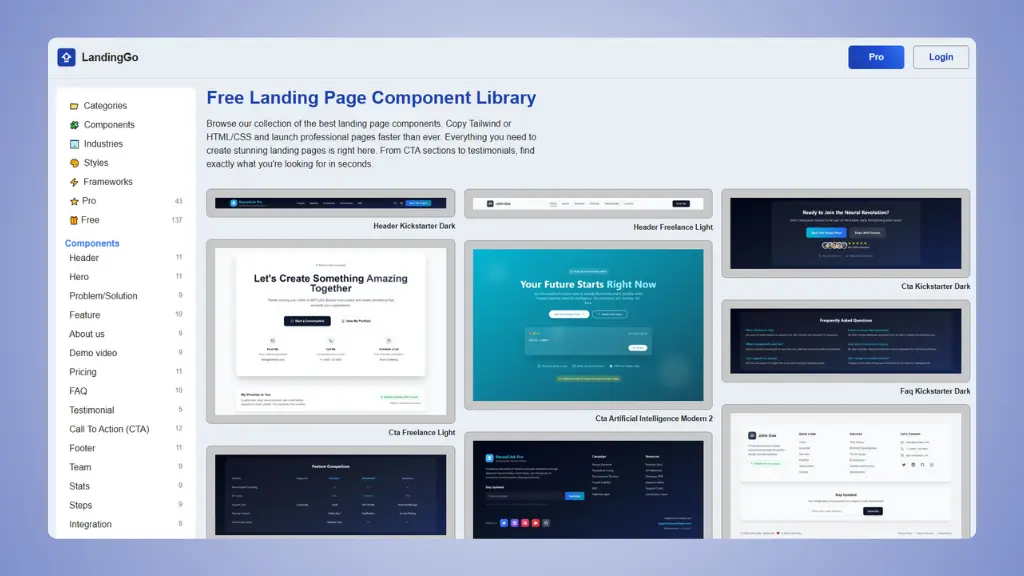
LandingGo gives you what Flowbite doesn't: components that are
designed to work together. You're not just getting buttons and forms.
You're getting complete sections that match each other.
What makes it different:
- Uniform design: All components match, so you can
build pages quickly
- Industry-specific: Components organized by use case
(AI, SaaS, E-commerce, etc.)
- Two code options: Copy as Tailwind CSS or plain
HTML/CSS
- Landing page templates: Real examples you can use
right away
- Multiple design styles: Dark, Modern, Minimal, and
more
Pricing:
- Free: 200+ components with generous collection
- Pro: Full access for $49 one-time payment
Why it's better than Flowbite:
- Components designed to work together from day one
- Industry organization saves you hours of searching
- HTML/CSS option means no framework lock-in
- $49 one-time vs $299 for similar features
- Ready-made landing pages included
Why you'd still choose Flowbite:
- You need interactive JavaScript components
- You're building a complex application (not a landing page)
- You want Figma design files specifically
👉 Try LandingGo and build your
landing page today.
👉 LandingGo vs Flowbite full detailed comparison.
2. Preline UI
Best for: Massive free component library with
everything included
 Website: Preline UI.com
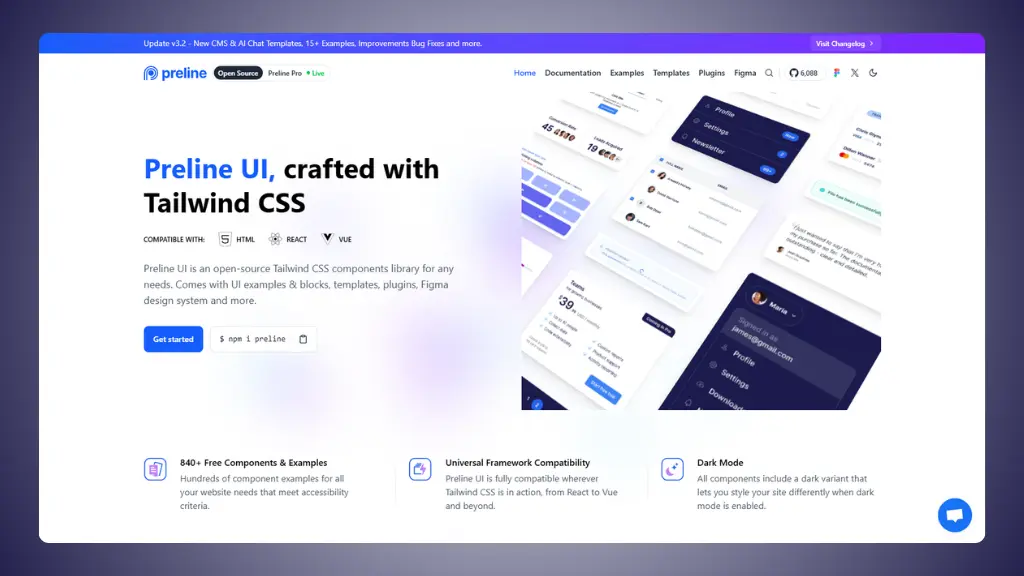
Preline UI is one of the most comprehensive free alternatives out
there. It recently updated to Tailwind CSS v4 and includes over 300
components and 160 starter pages.
What makes it special:
- 300+ components: Extensive collection covering all
use cases
- 160+ starter pages: Complete page examples for
different industries
- Advanced plugins: Datepicker, Scroll Nav, and more
included
- Tailwind v4 ready: Works with the latest Tailwind
CSS version
- Free Figma design system: One of the largest free
design systems available
- Multi-framework: Works with React, Vue, and
HTML
Pricing:
- Free: All core components and examples
- Pro: Premium templates and additional pages
(pricing varies)
Why it's useful:
- Completely free with no restrictions on core features
- More components than Flowbite's free version
- Includes advanced plugins that usually cost extra
- Great documentation and active development
- Works with the newest Tailwind version
The limitation:
- Requires some JavaScript setup for interactive elements
- Can be overwhelming due to the size of the library
- Still need to assemble components into complete pages
3. daisyUI
Best for: Clean code with semantic class names
 Website: daisyUI.com
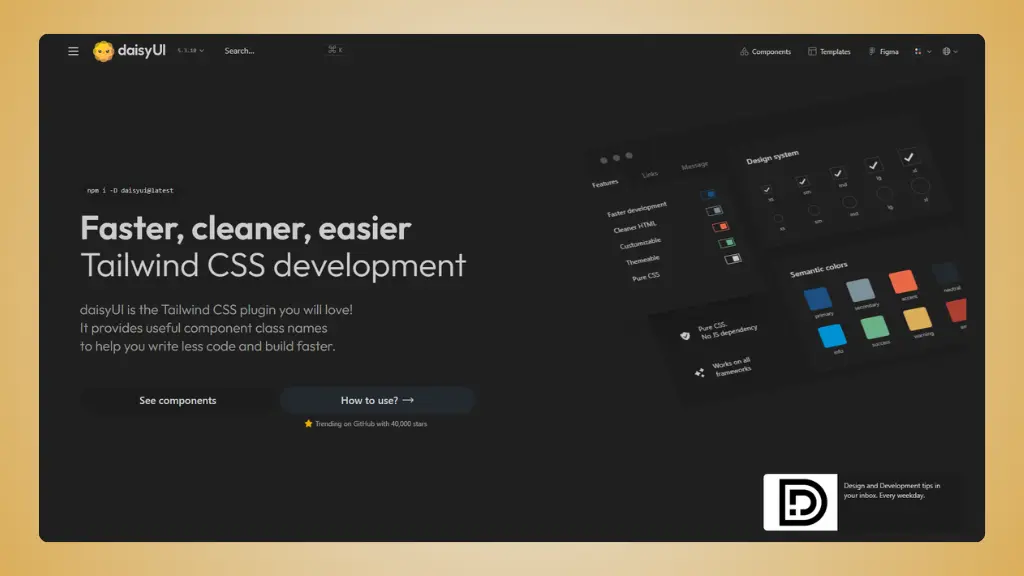
daisyUI takes a completely different approach. Instead of copying
components, you install it as a Tailwind CSS plugin and use simple class
names like btn, card, and
modal.
What makes it different:
- Plugin approach: Install once, then use semantic
class names
- Cleaner code: Uses 88% fewer classes than pure
Tailwind
- Built-in themes: 30+ themes included, or create
your own
- No JavaScript: Pure CSS solution works with any
framework
- 55+ components: All the essentials you need
Pricing:
- Free: Everything is free and open-source
- Templates: Optional premium templates from
$19-69
Why it's useful:
- Your HTML stays clean and readable
- Themes make consistent styling automatic
- No JavaScript dependency
- Works with React, Vue, Svelte, or anything else
- More GitHub stars than Flowbite (shows community preference)
The limitation:
- Different workflow than copy-paste libraries
- Need to learn daisyUI's class names
- Less customization than building from scratch
4. TailGrids
Best for: Multi-framework support with huge
component collection
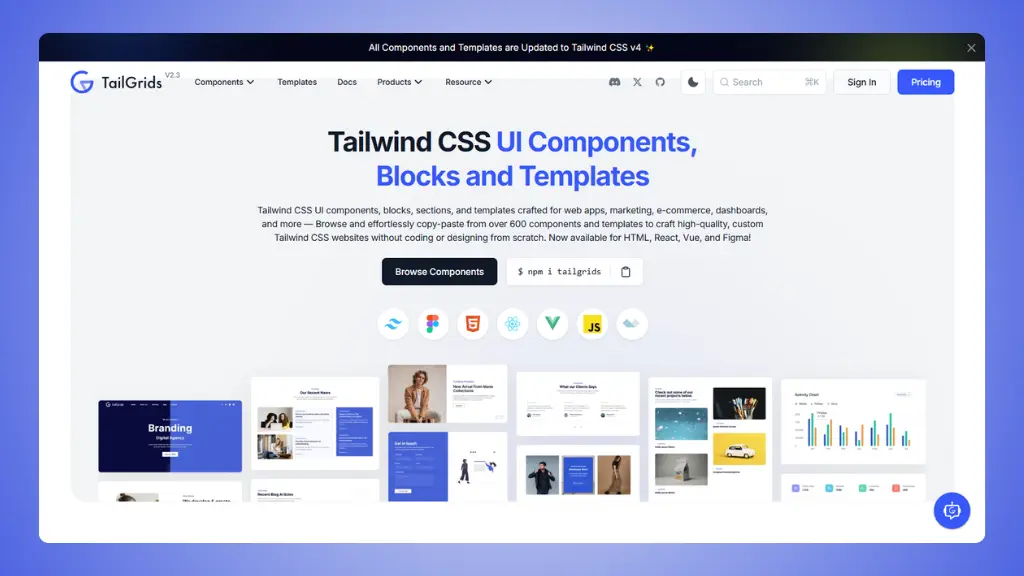 Website: TailGrids.com
TailGrids offers 600+ components in multiple formats: HTML, React,
Vue, and even Figma files. It's one of the most flexible options
available.
What you get:
- 600+ components: Matches Flowbite's component
count
- Multi-framework: HTML, React, Vue, and Angular
support
- Figma source files: Design files included with
premium
- 13 complete templates: Full page templates for
different use cases
- Copy-paste ready: Easy integration into any
project
Pricing:
- Free: Decent collection of components
- Premium: $199 one-time payment for full access
Why it's useful:
- Similar component count to Flowbite Pro
- Framework flexibility for any project
- Complete templates save time
- Figma files help designers and developers collaborate
- Cheaper than Flowbite Pro ($199 vs $299)
The limitation:
- Premium required for the full collection
- Components may need customization to match together
- Can feel overwhelming with so many options
5. HyperUI
Best for: Free, focused component collection
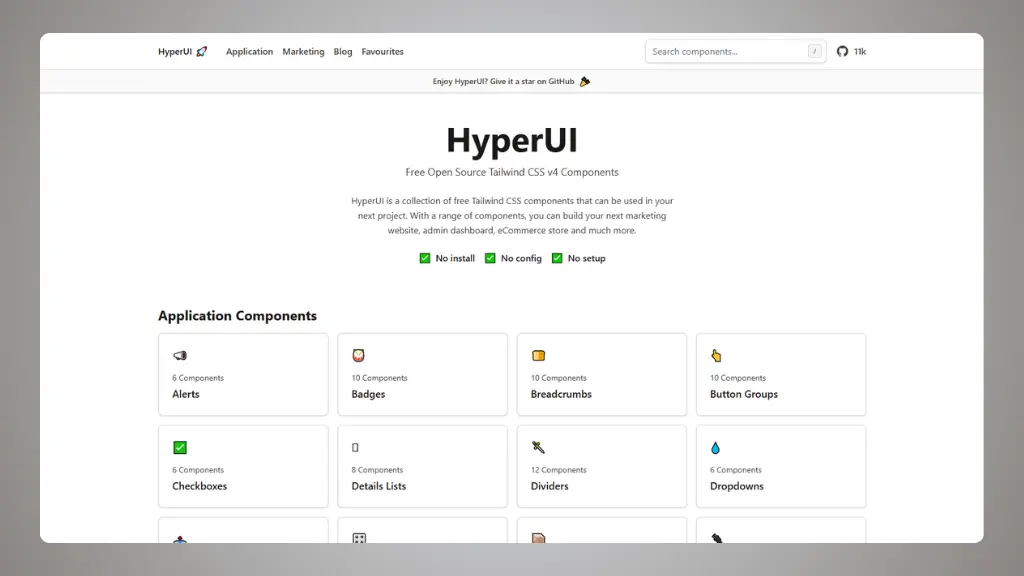 Website: hyperui.dev
HyperUI is a free, open-source library with 200+ components. It's
smaller than Flowbite but covers the essentials for marketing sites,
e-commerce, and application UIs.
What you get:
- 200+ components: Focused collection of useful
components
- No installation: Just copy and paste
- Dark mode support: Works in both themes
- RTL support: Right-to-left layouts for Arabic and
Hebrew
- Framework flexible: Works with any framework
- Completely free: No paid tiers or restrictions
Pricing:
- Free: Everything is free forever
Why it's useful:
- Completely free with no premium upsells
- Clean, modern design aesthetic
- Good for quick projects or prototypes
- RTL support is rare and valuable
- No JavaScript dependencies
The limitation:
- Smaller library than Flowbite
- No complete page templates
- Still requires assembly work
- Less interactive components
6. Meraki UI
Best for: Beautiful design with international
support
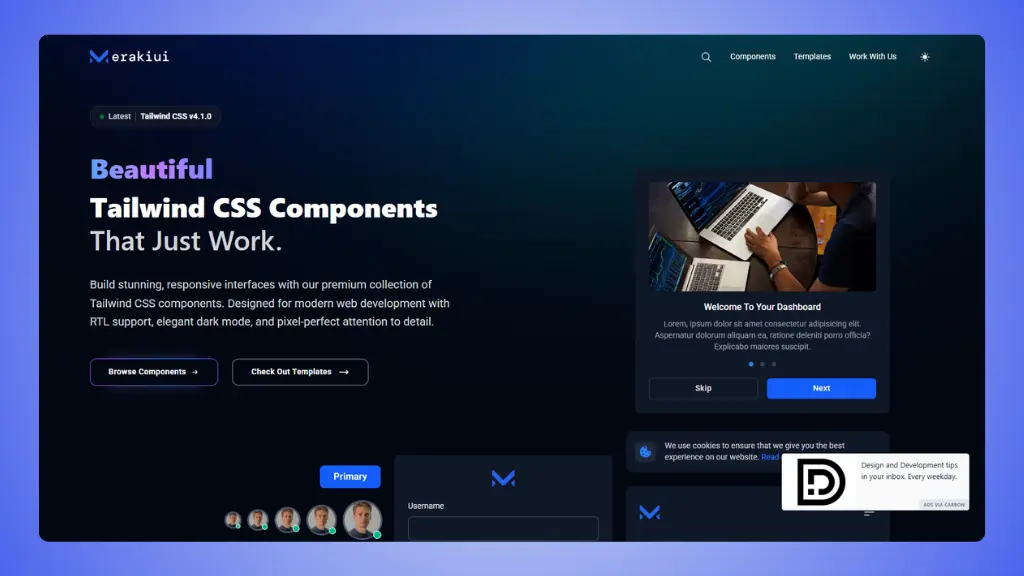 Website: Meraki UI.com
Meraki UI focuses on elegant design with proper RTL language support
and sophisticated dark mode. If you're building for international
audiences, this is worth considering.
What makes it different:
- Excellent RTL support: Built for Arabic, Hebrew,
and other RTL languages
- Sophisticated dark mode: Properly designed, not
just inverted colors
- Beautiful aesthetics: Attention to detail in every
component
- AlpineJS integration: Interactive components when
needed
- Modern design: Contemporary look and feel
Pricing:
- Free: Many components available
- Templates: Premium templates from $49-69
Why it's useful:
- Best RTL support among all alternatives
- Beautiful, modern designs out of the box
- Great for international projects
- Sophisticated dark mode implementation
- Reasonable pricing for premium content
The limitation:
- Smaller component library than Flowbite
- Premium templates required for complete pages
- May be overkill for simple English-only projects
All Flowbite alternatives compared
| LandingGo |
Complete landing pages |
✅ Yes |
Yes
(Pro $49 one-time) |
| Preline UI |
Massive free library |
✅ Yes |
Yes
(All features free) |
| daisyUI |
Clean code with themes |
✅ Yes |
Yes
(All free) |
| TailGrids |
Multi-framework flexibility |
✅ Yes |
Yes
(Premium $199) |
| HyperUI |
Free focused collection |
❌ No |
Yes
(All free) |
| Meraki UI |
RTL and beautiful design |
✅ Yes |
Yes
(Templates $49-$69) |
Flowbite is a solid library, but it's not your only option.
If you're building landing pages, LandingGo gives you components that
actually work together. If you want cleaner code, daisyUI is hard to
beat. If you need everything for free, Preline UI is impressive.
Ready to try something different? Start with the free versions.
You'll know pretty quickly which one feels right.