When you're building a landing page, you want components that work
right away. No endless tweaking. No digging through dashboards and
modals you'll never use.
Flowbite gives you a massive ecosystem of UI components. LandingGo
gives you landing page sections you can copy and launch. LandingGo
Both use Tailwind CSS. Both save you time. But they still solve different problems.
LandingGo vs Flowbite Compared
| Primary Focus |
Landing page sections |
Full UI component ecosystem |
| Code Format |
Tailwind CSS, HTML/CSS |
Tailwind CSS with framework support |
| Free Components |
✓ (100+ components) |
✓ (Open-source library) |
| Component Organization |
By landing page section (Hero, CTA, Pricing) |
By UI element type (Buttons, Cards, Forms) |
| Framework Support |
Vanilla HTML/CSS |
React, Vue, Svelte + vanilla |
| Pro/Paid Access |
$49 one-time (early bird) |
$169-299 |
| Best For |
Marketing pages & product launches |
Applications with diverse UI needs |
Quick decision guide:
- Choose LandingGo if:
- You're building landing pages for products or marketing campaigns
- You need conversion-focused sections like hero, pricing, and testimonials
- You want a one-time payment with lifetime access
- You prefer ready-made landing page layouts over individual UI elements
- Choose Flowbite if:
- You're building web applications that need diverse UI components
- You need interactive elements like dropdowns, modals, and tooltips
- You work across multiple JavaScript frameworks
- You want an open-source foundation with premium add-ons
Why LandingGo for Landing Pages?
If your goal is launching a landing page, LandingGo takes a more
direct route.
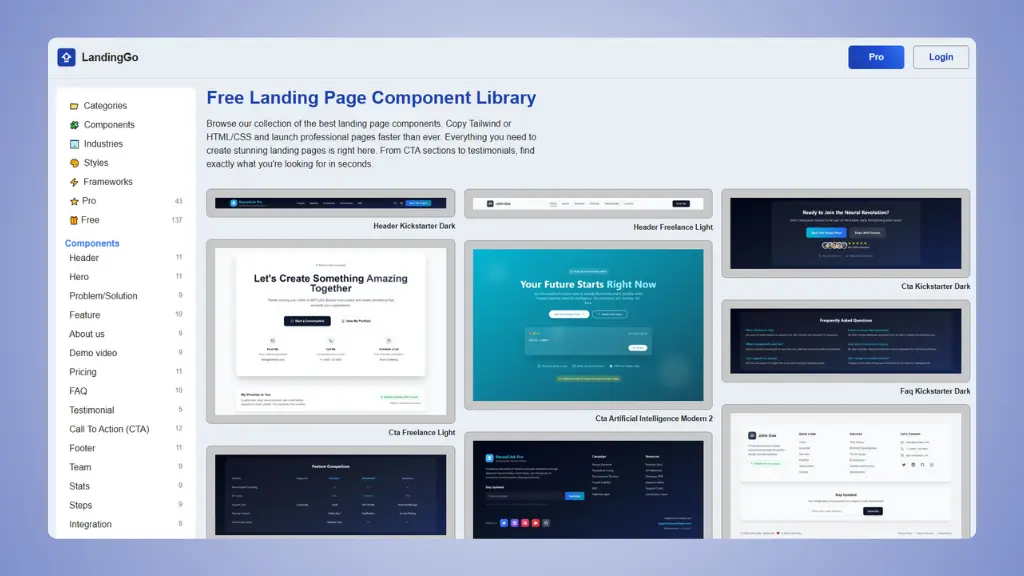 Website: LandingGo.com
1. Landing page sections,
not UI elements
LandingGo organizes everything by the sections you actually need for
a landing page. You get complete hero sections, pricing tables,
testimonial layouts and CTA blocks.
Flowbite organizes by component type: buttons, cards, forms, badges.
Great for building applications. But when you need a pricing section,
you're assembling pieces instead of using a ready-made layout.
2. Better value for marketing
pages
LandingGo's early bird pricing is $49 one-time for lifetime access.
You get all current and future landing page components.
Flowbite Pro starts at $169 for the design edition or $299 for the
developer edition. The core library is free and open-source, which is
excellent. But the premium sections and templates cost more than
LandingGo's full package.
4. Over 100 free landing
page components
LandingGo offers more than 100 free components. You can build
complete landing pages without paying anything.
Flowbite's open-source library also has extensive free components.
But they're general UI elements, not complete landing page sections.
5. Landing page inspiration
gallery
Beyond components, LandingGo includes a gallery of high-converting
landing pages for inspiration. You can study what works and learn from
proven examples. Pro users can even submit their own pages for feedback
and backlinks.
Need a landing page, not a UI library?
Get section-ready components.
LandingGo gives you complete landing page sections - hero, pricing, testimonials - that you copy once and launch.
Try it now →
When Flowbite Might Be Better
Flowbite shines when you're building more than just landing pages.
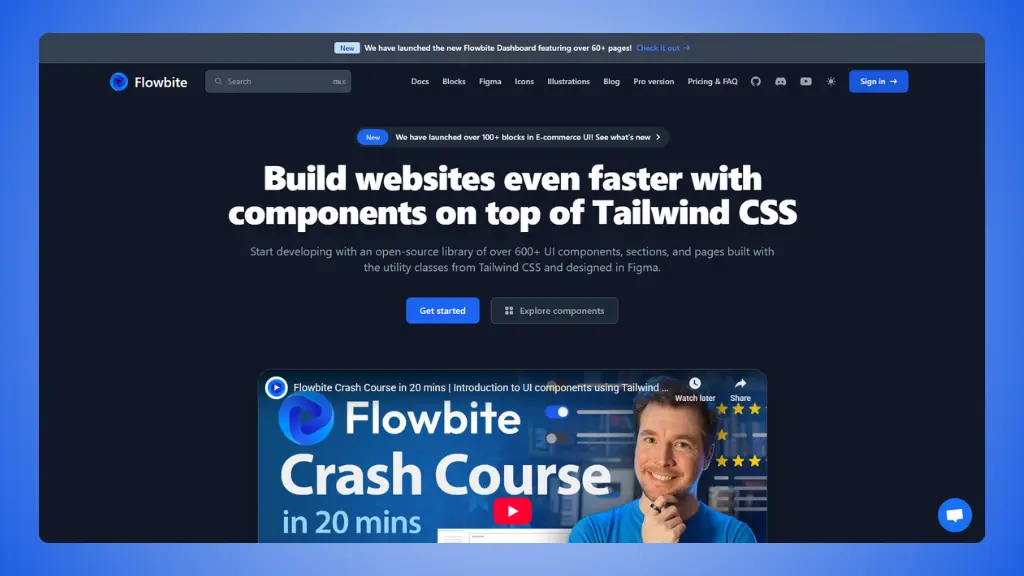 Website: Flowbite.com
Full application development
If you're building a web application, you need more than landing page
sections. You need forms, tables, navigation systems, modals, tooltips,
and interactive elements.
Flowbite delivers all of these. It's built for applications where you
need a complete UI toolkit, not just marketing pages.
Framework-specific
implementations
Flowbite offers official support for React, Vue, and Svelte. If
you're working in a JavaScript framework, you get components built
specifically for that framework.
LandingGo provides vanilla HTML and Tailwind CSS. You can adapt it to
any framework, but you'll need to do the conversion yourself.
→ Flowbite alternatives
Open-source foundation
Flowbite's core library is open-source under the MIT license. You can
use it freely for any project. The premium features are add-ons, not
requirements.
This matters if you're building open-source projects or want maximum
flexibility with licensing.
Comprehensive UI ecosystem
Flowbite includes over 450 components across multiple categories:
alerts, badges, breadcrumbs, buttons, button groups, cards, carousels,
dropdowns, forms, list groups, modals, navbars, pagination, popovers,
progress bars, spinners, tables, tabs, toasts, tooltips, and more.
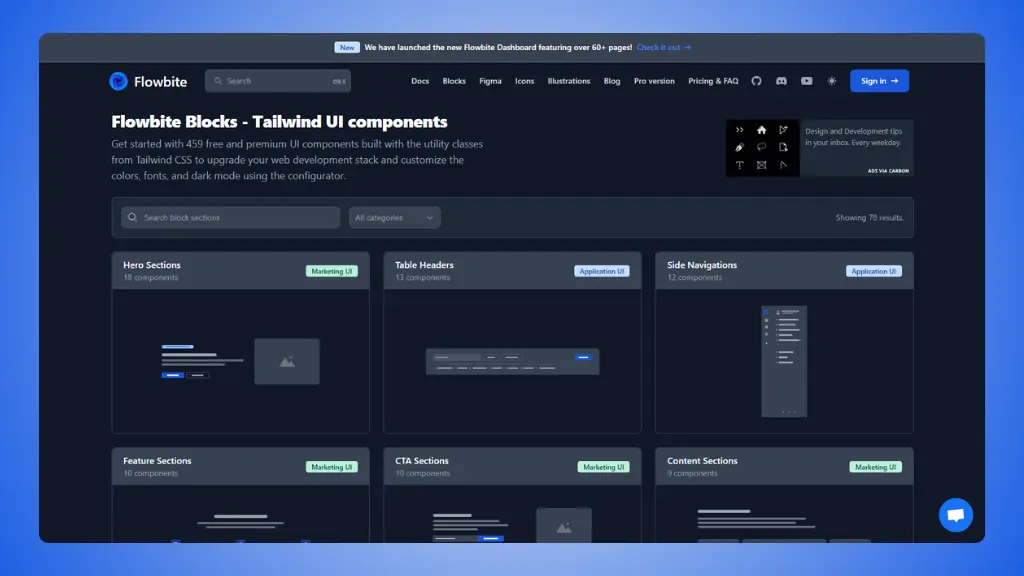 Flowbite Components
→ Flowbite Pricing: What you actually pay for
For applications that need diverse interface elements, this breadth
is valuable.
Need a landing page, not a UI library?
Get section-ready components.
LandingGo gives you complete landing page sections - hero, pricing, testimonials - that you copy once and launch.
Try it now →
FAQ: LandingGo vs Flowbite
Can I use LandingGo components with Flowbite?
Yes. Both use Tailwind CSS, so you can mix them freely. Use LandingGo
for your landing page sections and Flowbite for UI components like forms
or modals. Just make sure your Tailwind configuration is consistent
across both.
Which has better documentation?
Flowbite has extensive documentation as an established open-source
project. LandingGo focuses on simplicity: you see the component, you
copy it, it works. Less documentation needed because there's less
complexity.
Can I build a complete website with either?
LandingGo focuses on landing pages. For a complete website with
multiple page types, blog layouts, or application features, you'd need
additional tools. Flowbite covers more ground for multi-page websites
and applications.
If you're building landing pages for products or marketing, LandingGo gives you exactly what you need
without the extras. If you're building web applications or need diverse
UI components, Flowbite's ecosystem serves you better.
Both are excellent tools. Your choice depends on what you're
building.