You need components to build your landing page. Should you pick
Tailwind UI or LandingGo?
Both give you ready-made code to speed up development. But they serve
different needs. One is great for full applications. The other focuses
on landing pages.
Here's how they compare.
LandingGo vs Tailwind UI compared
| Primary Focus |
Landing page components |
Full application UI components & templates |
| Code Format |
Tailwind CSS, HTML/CSS |
React, Vue, HTML |
| Free Components |
✓ (200+ components) |
✓ (very few) |
| Component Organization |
By landing page sections |
By component type and templates |
| Templates |
No full templates |
14+ complete website templates |
| UI Kit |
No |
Yes (Catalyst for React) |
| Pricing |
$49 one-time |
$299 personal / $979 team |
| Best For |
Landing pages & marketing sites |
Full websites & applications |
Quick decision guide
- Choose LandingGo if:
- You're building landing pages specifically
- You want lots of free components to start
- You prefer a one-time payment under $50
- You need components organized by landing page sections
- You want to mix and match individual pieces
- Choose Tailwind UI if:
- You're building complete websites or applications
- You need full template systems as starting points
- You want React/Vue examples with interactivity
- You're willing to invest $299+ for comprehensive resources
- You need a production-ready UI kit (Catalyst)
Why LandingGo for landing pages?
If you're specifically building landing pages, LandingGo has some
clear advantages.
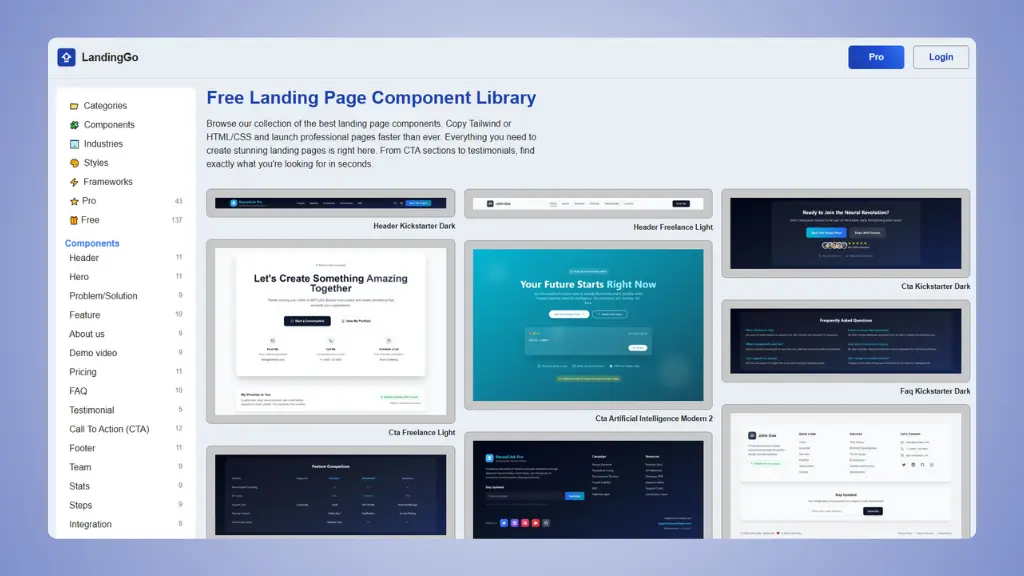 Website: LandingGo.com
1. Landing page specialization:
LandingGo focuses entirely on landing page components. Every piece is
designed for conversion: hero sections, pricing tables, testimonials,
CTA blocks, and feature sections.
Tailwind UI is excellent for building full websites. But it includes
many components you don't need for a simple landing page. You get
navigation systems, data tables, dashboard elements, and form components
that go beyond basic marketing pages.
2. Organized by landing page sections:
When you're building a landing page, you think in sections. You need
a hero, then features, then pricing, then testimonials, then a CTA.
LandingGo organizes components exactly this way. Browse by section,
pick what you need, and you're done in minutes.
Tailwind UI organizes by component type across their entire library.
You'll find marketing components mixed with application components,
which takes longer to navigate.
3. Huge free tier:
LandingGo offers over 200 free components. You can build complete
landing pages without spending anything.
4. Lower price for landing page needs:
LandingGo costs $49 one-time for lifetime access to all components,
including future updates.
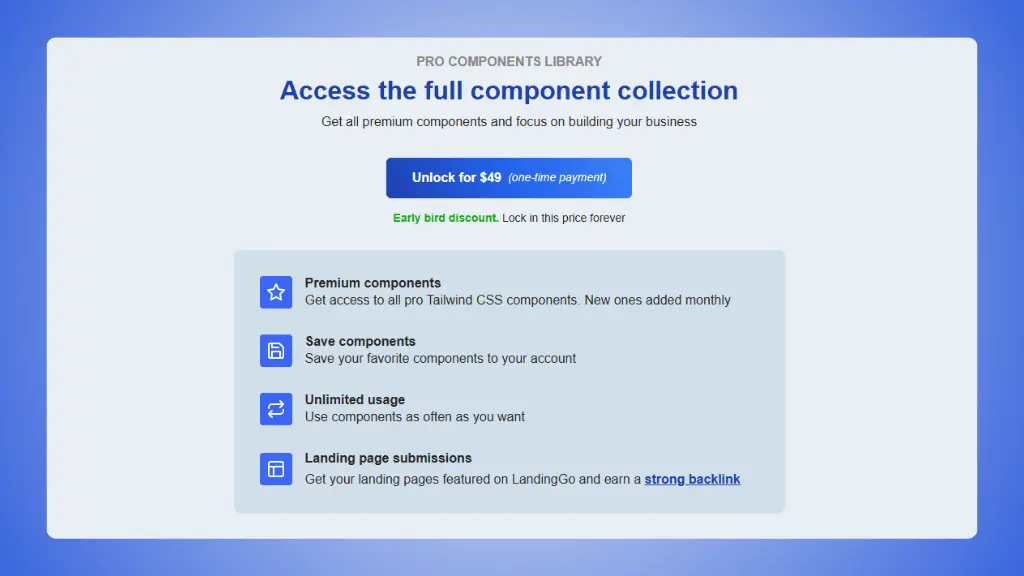 LandingGo Pricing Plans
Tailwind UI costs $299 for personal use or $979 for teams. That's
great value if you need everything they offer. But if you only need
landing page components, you're paying for features you won't use.
5. Simple copy-paste workflow:
LandingGo gives you clean Tailwind CSS code. Copy it, paste it into
your project, and customize. No framework setup required.
Tailwind UI provides React, Vue, and HTML versions. The React and Vue
versions use Headless UI, which adds interactivity but also complexity.
If you want vanilla HTML for simpler projects, you get basic markup
without JavaScript helpers.
6. Landing page gallery for inspiration:
Beyond components, LandingGo curates real landing page examples. You
can study high-converting pages, learn what works, and get ideas for
your own project.
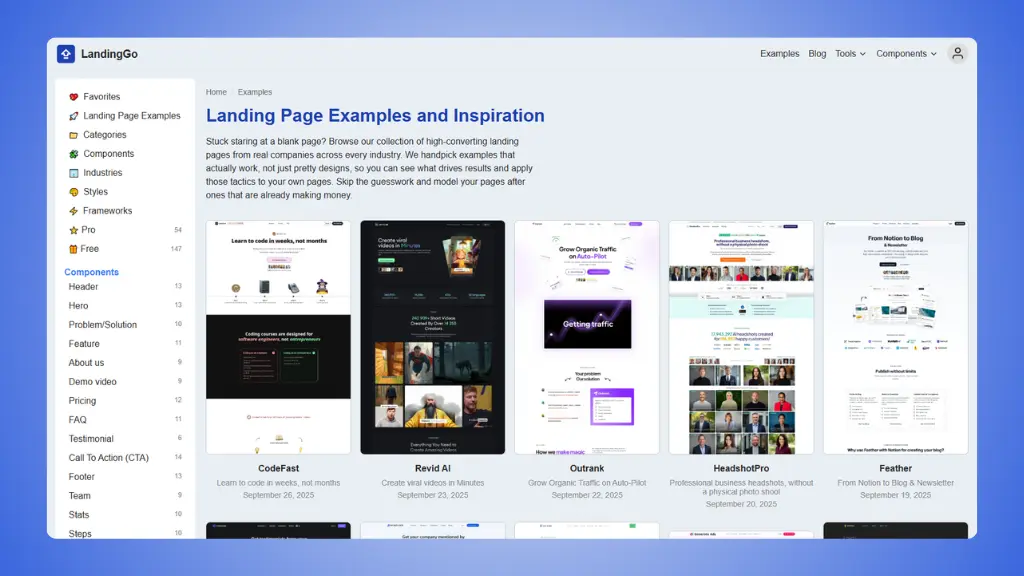 LandingGo Landing Page Examples
When Tailwind UI might be better:
Tailwind UI isn't just for landing pages. Here's when it makes more
sense:
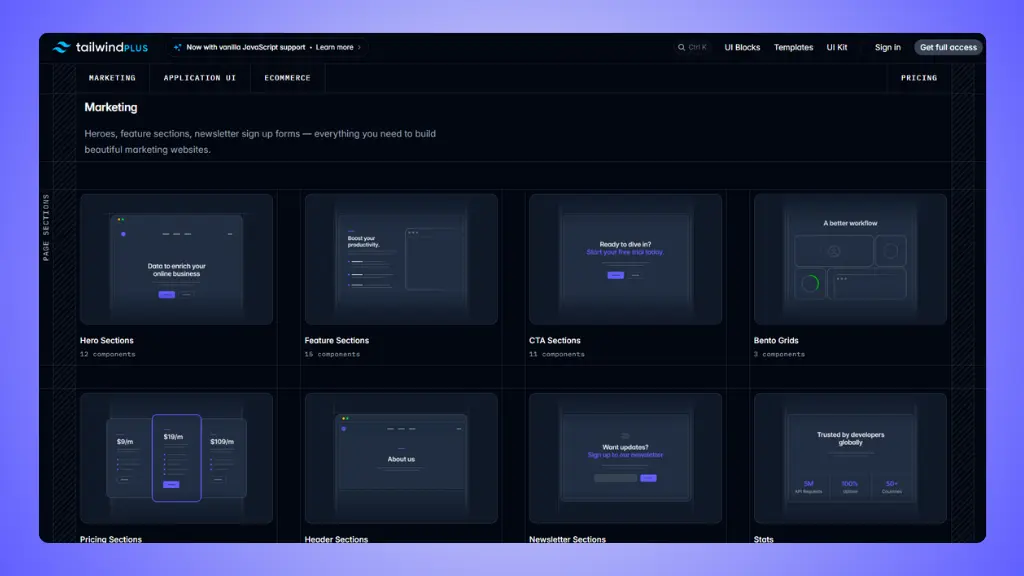 Tailwind UI Blocks
→ Tailwind UI pricing: What does it actually cost?
Building complete websites:
If you're creating a multi-page website or application, Tailwind UI
provides full templates as starting points. You get 14 complete website
templates built with Next.js and React.
These aren't just collections of components. They're fully designed,
professionally built sites you can customize. Templates include personal
websites, SaaS marketing sites, course platforms, agency sites, API
documentation sites, and more.
LandingGo doesn't offer complete templates. It gives you individual
components to assemble yourself.
Need for interactive components:
Tailwind UI's React and Vue components come with built-in
interactivity using Headless UI. Dropdowns, dialogs, toggles, and tabs
work out of the box.
If you're building with React or Vue and want ready-made interactive
components, this saves significant development time.
LandingGo focuses on HTML/Tailwind markup. You implement any needed
JavaScript yourself.
→ Tailwind UI alternatives
Want a production UI kit:
Tailwind UI includes Catalyst, a professional-grade React UI kit with
production-ready components. You get buttons, inputs, tables, sidebars,
checkboxes, and more.
This is valuable if you're building an application that needs
consistent UI patterns throughout.
Building with specific frameworks:
Tailwind UI provides component examples in React, Vue, and HTML. If
you work primarily in React or Vue, you get code that drops directly
into your framework.
LandingGo provides HTML/Tailwind code that you convert to your
framework if needed.
Learning from the creators:
Tailwind UI is built by the team that created Tailwind CSS. The code
demonstrates expert patterns and best practices.
If you want to learn how to structure Tailwind projects at a
professional level, studying Tailwind UI's implementation teaches
valuable techniques.
Can you use both?
Yes. They serve different purposes.
Use LandingGo for your marketing landing pages. Copy components for
heroes, pricing, testimonials, and CTAs. Build fast, launch quickly.
Use Tailwind UI for your application or full website. Pick a template
as your foundation, then customize with their comprehensive component
library.
They can coexist in the same project. Your landing pages sit at one
route, your application at another. Best of both worlds.
Pricing comparison
LandingGo:
- Free: 200+ components
- Pro: $49 one-time for lifetime access
Tailwind UI:
- Personal: $299 one-time
- Team (up to 25 people): $979 one-time
Ready to build your landing page?
Try LandingGo's free components or
explore Tailwind UI's offerings to see which fits your needs.