You discovered Tailwind UI. The components look incredible. But
here's what nobody tells you: at $299 for lifetime access, you're still
spending time matching styles and building complete pages from
individual pieces.
Tailwind UI gives you 500+ components built by the creators of
Tailwind CSS. But when you need a complete landing page or dashboard,
you're assembling it yourself. Making everything work together takes
time.
Here's the good news: there are alternatives that
solve this exact problem. Some give you complete pages ready to go.
Others make your code cleaner. And yes, many cost less (or nothing at
all).
What is Tailwind UI?
Tailwind UI is the official component library from the makers of
Tailwind CSS. It gives you professionally designed components, page
templates, and a React UI kit. Everything is built with Tailwind CSS and
works with React and Next.js.
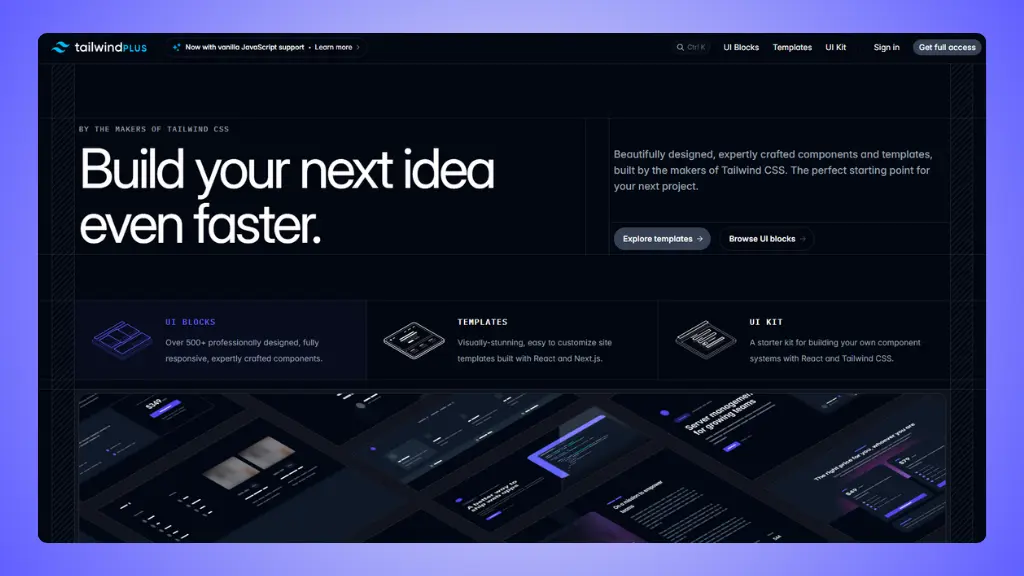 Website: Tailwind UI.com
What you get:
- 500+ components: Buttons, forms, modals,
navigation, and everything for building websites
- Site templates: Complete website examples built
with React and Next.js
- Catalyst UI Kit: Production-ready React components
for applications
- Built by experts: Created by the Tailwind CSS
team
- Lifetime access: One payment gets you everything
forever
- Free updates: New components and templates added
over time
Pricing:
- Personal: $299 one-time payment for
individuals
- Teams: $979 one-time payment for up to 25
people
The reality:
Tailwind UI gives you excellent components. But you still need to
assemble complete pages yourself. You'll spend time making sure
everything matches and works together. And that React/Next.js
requirement might not fit your project.
→ Tailwind UI pricing (detailed pricing breakdown)
7 Tailwind UI
alternatives worth trying
Short version:
The best Tailwind UI alternatives right now are:
LandingGo, Shadcn UI, Aceternity UI, Preline UI, Flowbite, daisyUI, and TailGrids.
That's the shortlist. Here's the long version:
1. LandingGo
Best for: Complete landing pages without the
assembly work
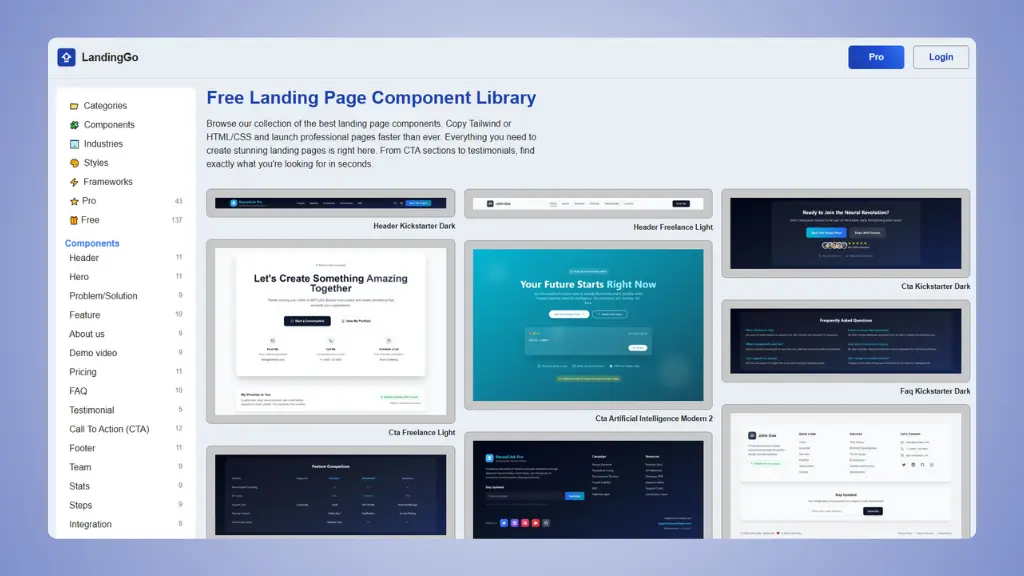 Website: LandingGo.com
LandingGo gives you what Tailwind UI doesn't: components designed to
work together from day one. You're not just getting buttons and forms.
You're getting complete sections that match each other perfectly.
What makes it different:
- Uniform design: All components match, so pages come
together quickly
- Industry-specific: Components organized by use case
(AI, SaaS, E-commerce, Fintech)
- Two code options: Copy as Tailwind CSS or plain
HTML/CSS
- Landing page focus: Built specifically for landing
pages
- Multiple design styles: Dark, Modern, Minimal,
Glassmorphism, and more
- 200+ free components: Generous free collection to
start
Pricing:
- Free: 200+ components with no restrictions
- Pro: $49 one-time payment for full access
Why it's better than Tailwind UI:
- Components designed to work together immediately
- Industry organization saves hours of searching
- HTML/CSS option means no framework lock-in
- $49 one-time vs $299 for similar features
- Landing page templates included
Why you'd still choose Tailwind UI:
- You need interactive JavaScript components
- You're building a complex application (not a landing page)
- You want React/Next.js specific code
👉 Try LandingGo and build your landing page today.
👉 LandingGo vs Tailwind UI full detailed comparison.
2. Shadcn UI
Best for: Copy-paste components you actually own
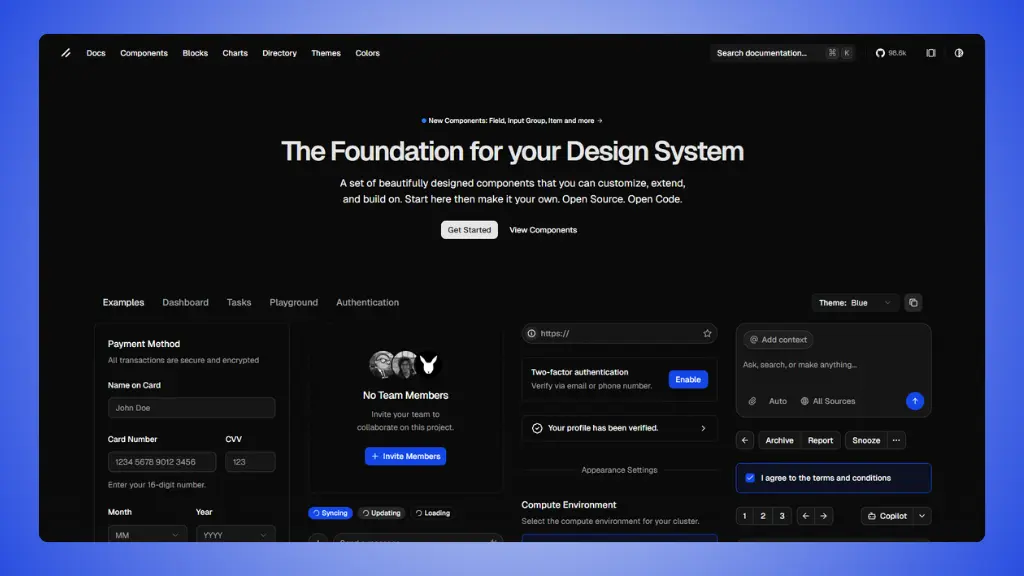 Website: ui.shadcn.com
Shadcn UI takes a completely different approach. Instead of
installing a package, you copy components directly into your project.
You own the code. You can modify anything. No fighting with overrides or
package updates.
What makes it special:
- You own the code: Copy components into your
project, not node_modules
- Built on Radix UI: Accessible primitives
underneath
- Tailwind CSS styling: Full customization with
utility classes
- No dependencies: After copying, the code is
yours
- Active community: Tons of community-built
extensions and blocks
- CLI tool: Install components with simple
commands
Pricing:
- Free: Everything is free and open source
- Third-party blocks: Some premium template sites
exist
Why it's useful:
- Complete control over your component code
- No package updates breaking your UI
- Accessible by default with Radix UI
- Works with any React framework
- Massive community creating extensions
The limitation:
- React only (no Vue or vanilla HTML)
- You maintain the code yourself
- Need to understand the component structure
- More setup work initially
3. Aceternity UI
Best for: Stunning animations and visual effects
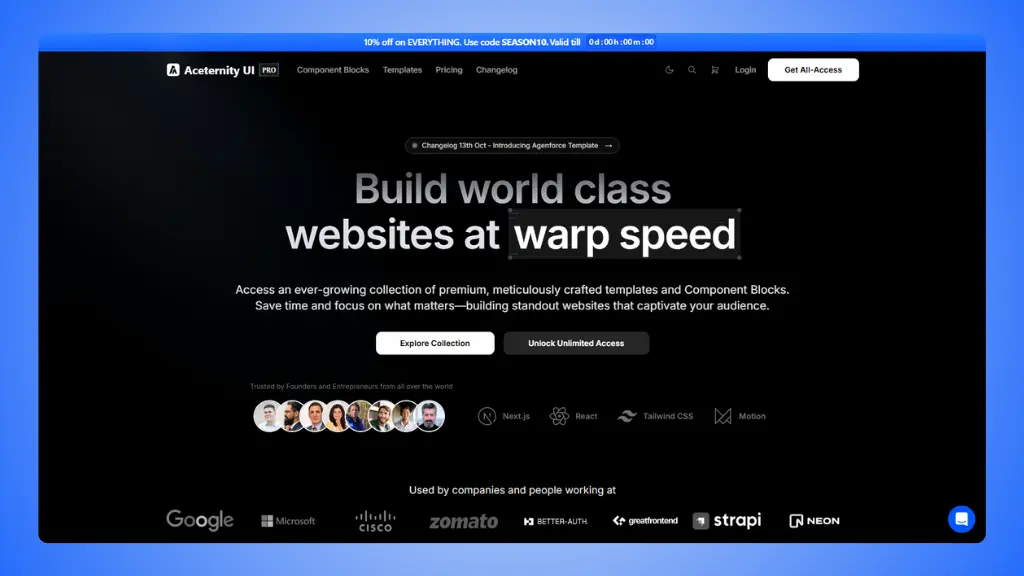 Website: aceternity.com
Aceternity UI brings something most libraries don't: beautiful
animations built with Framer Motion. If you want your website to stand
out with smooth, professional animations, this is your best option.
What makes it special:
- Framer Motion animations: Smooth, professional
animations built-in
- Visual effects: Spotlights, beams, sparkles,
parallax, 3D cards
- Background effects: Animated gradients, aurora,
meteors, vortex
- Modern aesthetics: Components designed to
impress
- Copy-paste ready: Just copy the code you need
- Free base tier: Core components available to
everyone
Pricing:
- Free: 36+ animated components
- Pro: 70+ premium component packs and templates
Why it's useful:
- Makes your site stand out visually
- Professional animations without animation expertise
- Perfect for landing pages and marketing sites
- Built with Next.js, Tailwind, and Framer Motion
- Active development with new components added
The limitation:
- Animation-heavy (might be overkill for simple projects)
- Requires React/Next.js
- Performance considerations for complex animations
- Smaller component library than others
4. Preline UI
Best for: Massive free component library with
everything included
 Website: prelineui.com
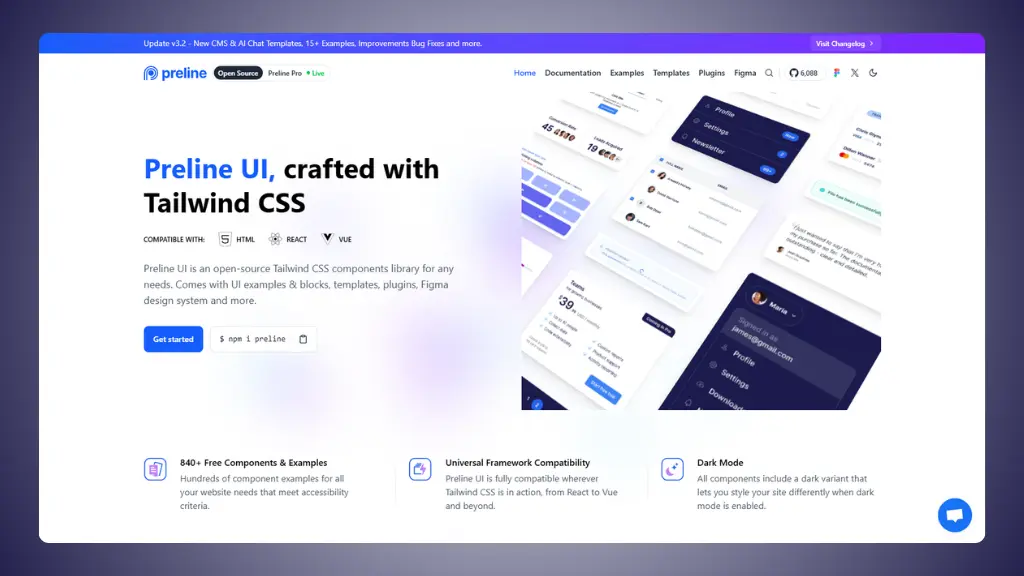
Preline UI is one of the most comprehensive free alternatives
available. Updated to Tailwind CSS v4, it includes over 300 components
and 160 starter pages completely free.
What you get:
- 300+ components: Extensive collection covering all
use cases
- 160+ starter pages: Complete page examples for
different industries
- Advanced plugins: Datepicker, Scroll Nav, and more
included
- Tailwind v4 ready: Works with the latest Tailwind
CSS
- Free Figma system: One of the largest free design
systems
- Multi-framework: Works with React, Vue, and
HTML
Pricing:
- Free: All core components and examples
- Pro: Premium templates and additional pages
Why it's useful:
- Completely free with no restrictions on core features
- More components than Tailwind UI's free competitors
- Advanced plugins usually cost extra elsewhere
- Great documentation and active development
- Latest Tailwind version support
The limitation:
- Requires JavaScript setup for interactive elements
- Can be overwhelming due to library size
- Still need to assemble components into pages
5. Flowbite
Best for: Open-source alternative with community
support
 Website: flowbite.com
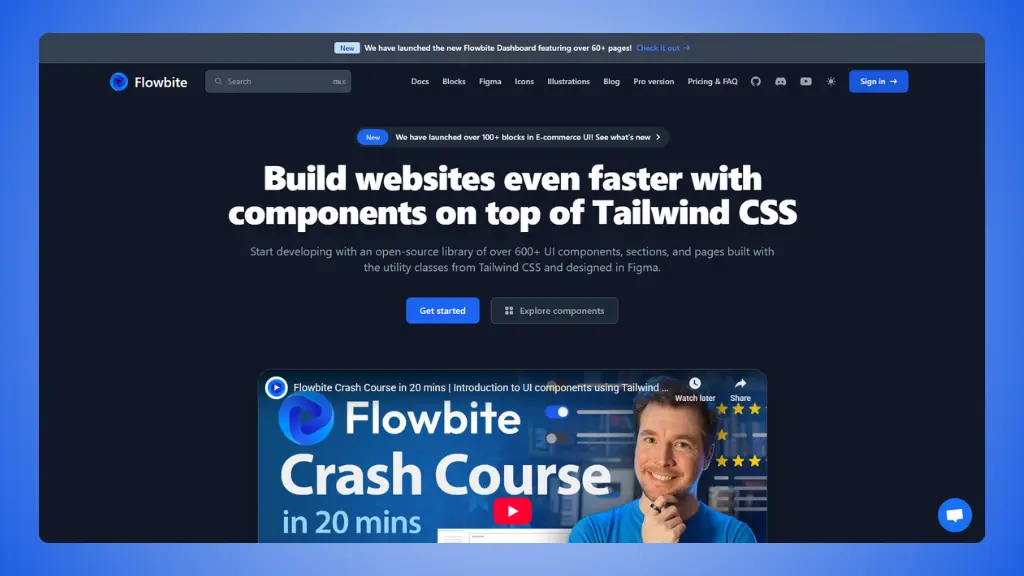
Flowbite has become one of the most popular Tailwind CSS libraries.
It offers 500+ components with a strong open-source community backing
it.
What makes it different:
- 500+ components: Everything from simple buttons to
complex tables
- Multi-framework: Works with React, Vue, Svelte, and
vanilla JavaScript
- Figma design system: Design files for team
collaboration
- Interactive elements: Built-in JavaScript for
dropdowns, modals, tooltips
- Dark mode: All components work in dark mode
- Active community: Popular library with excellent
documentation
Pricing:
- Free: Core components available to everyone
- Pro: $299 one-time payment for premium components and
support
Why it's useful:
- Strong open-source community
- Framework flexibility for any project
- Figma files help designers and developers collaborate
- Regular updates and new components
The limitation:
- Still requires page assembly
- Some advanced features need Pro
6. daisyUI
Best for: Clean code with semantic class names
 Website: daisyui.com
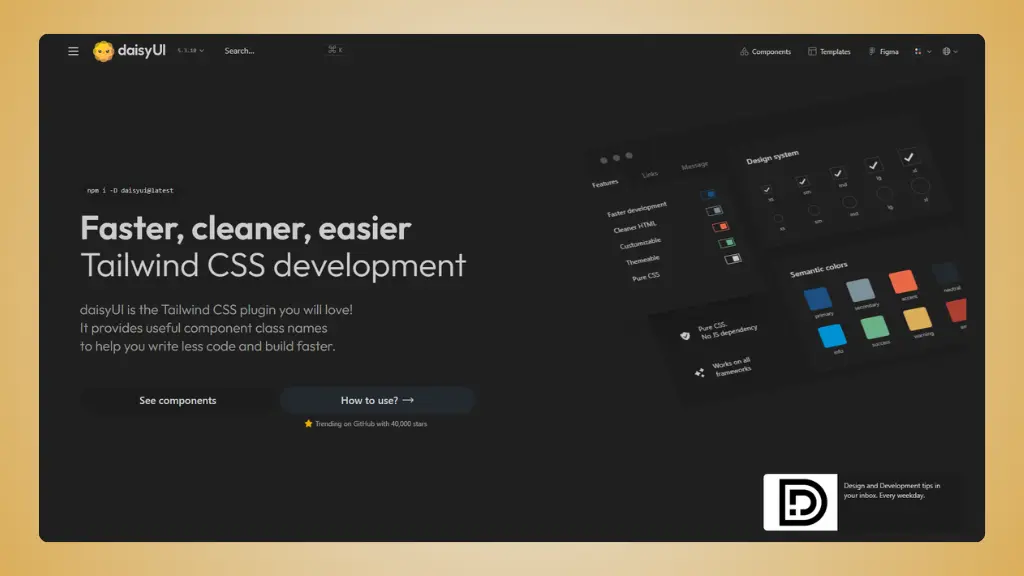
daisyUI changes the game. Instead of copying components, you install
it as a Tailwind plugin and use simple class names like
btn, card, and modal. Your HTML
stays clean and readable.
What makes it special:
- Plugin approach: Install once, use semantic class
names
- Cleaner code: Uses 88% fewer classes than pure
Tailwind
- Built-in themes: 30+ themes included, create your
own
- No JavaScript: Pure CSS solution works with any
framework
- 55+ components: All the essentials you need
- Most GitHub stars: More popular than many
alternatives
Pricing:
- Free: Everything is free and open source
- Templates: Optional premium templates from
$19-69
Why it's useful:
- HTML stays clean and readable
- Themes make consistent styling automatic
- No JavaScript dependency
- Works with React, Vue, Svelte, or anything else
- Strong community preference (GitHub stars show this)
The limitation:
- Different workflow than copy-paste libraries
- Need to learn daisyUI's class names
- Less customization than building from scratch
7. TailGrids
Best for: Multi-framework support with huge
component collection
 Website: tailgrids.com
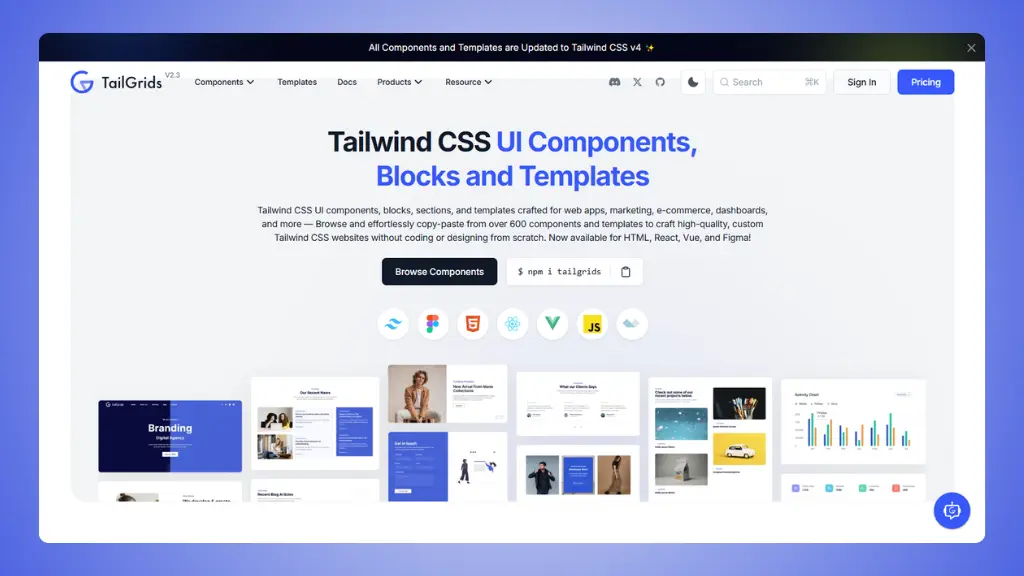
TailGrids offers 600+ components in multiple formats: HTML, React,
Vue, and Figma files. It's one of the most flexible options if you work
across different frameworks.
What you get:
- 600+ components: Matches Tailwind UI's component
count
- Multi-framework: HTML, React, Vue, and Angular
support
- Figma source files: Design files included with
premium
- 13 complete templates: Full page templates for
different use cases
- Copy-paste ready: Easy integration into any
project
Pricing:
- Free: Decent collection of components
- Premium: $199 one-time payment for full access
Why it's useful:
- Similar component count to Tailwind UI
- Framework flexibility for any project
- Complete templates save time
- Figma files help team collaboration
- Cheaper than Tailwind UI ($199 vs $299)
The limitation:
- Premium required for full collection
- Components may need customization to match
- Can feel overwhelming with so many options
All Tailwind UI
alternatives compared
| LandingGo |
Complete landing pages |
✅ Yes |
Yes
(Pro $49 one-time) |
| Shadcn UI |
Own your component code |
❌ No |
Yes
(All free) |
| Aceternity UI |
Stunning animations |
❌ No |
Yes
(Pro available) |
| Preline UI |
Massive free library |
✅ Yes |
Yes
(Pro $249 one-time) |
| Flowbite |
Open-source community |
❌ No |
Yes
(Pro $299 one-time) |
| daisyUI |
Clean code with themes |
❌ No |
Yes
(All free) |
| TailGrids |
Multi-framework flexibility |
✅ Yes |
Yes
(Premium $199) |
Tailwind UI is an excellent library built by the Tailwind CSS
creators. But it's not your only option.
If you're building landing pages, LandingGo gives you components that
work together from day one. If you want complete code control, Shadcn UI
is hard to beat. If you need everything for free, Preline UI is
impressive. If you want animations that wow, Aceternity UI stands
out.
Ready to try something different? Start with the free versions.
You'll know pretty quickly which one feels right for your project.