You found Preline UI and thought: "Perfect! 300+ components, free to
use."
Then you started building. And realized something.
The components look great individually. But when you try to build a
complete landing page? You're spending hours figuring out which pieces
work together. The hero section from one example doesn't quite match the
footer from another. The color scheme is inconsistent. You end up
customizing everything anyway.
Sound familiar?
The good news: there are alternatives that give you complete,
matching component sets so you can build entire landing pages without
the guesswork.
What is Preline UI?
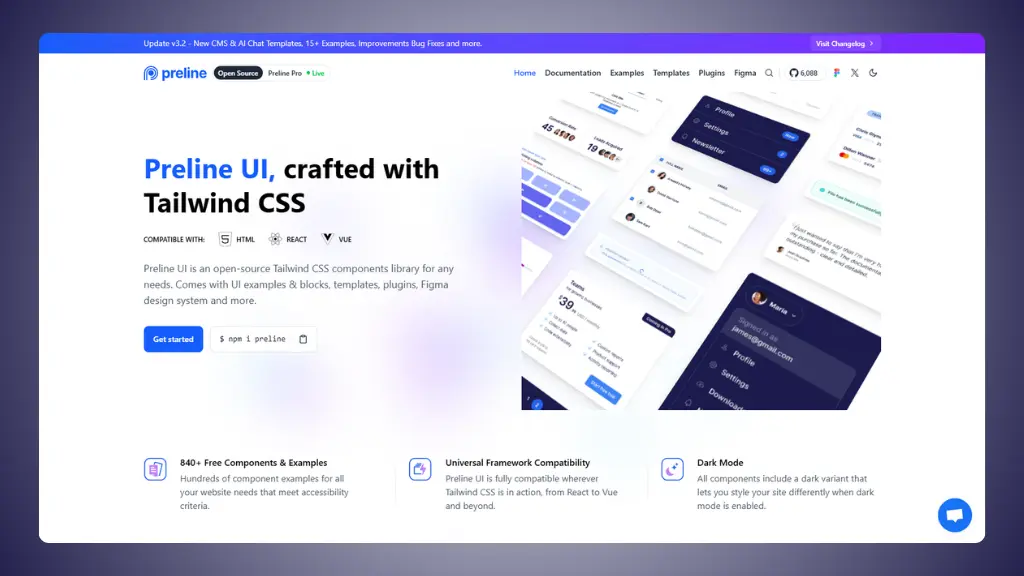
Preline UI is an open-source Tailwind CSS component library. It
offers over 300 components and 160+ starter pages, all built with
Tailwind CSS utility classes. The library works with HTML, React, and
Vue.
 Website: Preline UI.com
What you get:
- 300+ Components: Buttons, forms, navigation bars,
modals, and more
- 160+ Starter Pages: Pre-built examples for
different page types
- Framework Support: HTML, React, Vue
compatibility
- Figma Design System: Large free design system for
prototyping
- Dark Mode: All components include dark mode
variants
- Interactive Plugins: Accordions, tabs, dropdowns,
modals with JavaScript functionality
The downside:
While Preline UI has many components, they're not always designed to
work together as complete landing page kits. You'll spend time mixing
and matching to find components that look cohesive.
→ Preline UI pricing (detailed pricing breakdown)
4 Preline UI alternatives worth trying
Short version:
The best Preline UI alternatives right now are:
LandingGo, Flowbite, daisyUI, and TailGrids.
That's the shortlist. Here's the long version:
1. LandingGo
Best for: Free Tailwind CSS and HTML/CSS landing
page components with uniform design systems
 Website: LandingGo.com
If you want a free alternative with components that actually work
together, LandingGo is your answer.
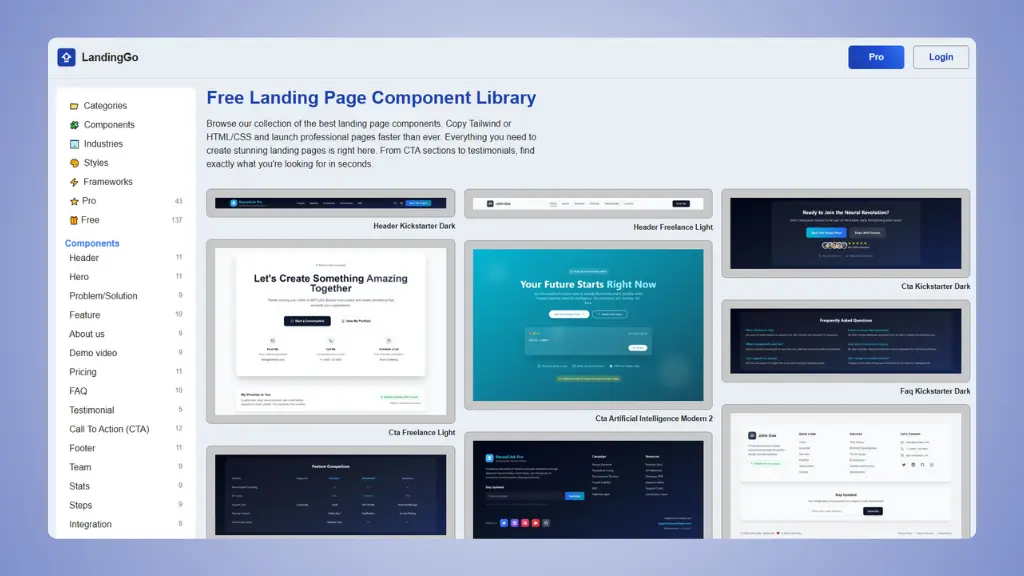
It's a free landing page component library with 200+ components. The
standout feature? You can copy code as either Tailwind CSS or standard
HTML/CSS. No framework lock-in.
What makes it good:
- Uniform component sets: Components organized by
industry and style, all designed to work together
- Complete landing pages: Build entire pages without
mixing mismatched components
- Industry specific collections: AI, Mobile App,
SaaS, E-commerce, and more
- Design styles: Dark, Modern, Minimal, Glassmorphism
styles
- Dual code format: Copy as Tailwind CSS or pure
HTML/CSS
- Landing page examples: Real landing pages from
successful companies
Pricing:
- Free: 200+ components with extensive
collection
- Pro: Full component collection for $49 one-time
payment
Why it's better than Preline UI:
- Components are organized into matching sets for complete landing
pages
- No JavaScript dependencies for static components
- Standard HTML/CSS option if you don't want Tailwind
- Industry-specific organization saves hours of searching
- Free tier has more usable components for complete pages
Why you'd still choose Preline UI:
- You need JavaScript-powered interactive components
- You prefer the largest single collection in one place
- You want Figma integration for design workflow
👉 Try LandingGo and build your
landing page today.
👉 LandingGo vs Preline UI full detailed comparison.
2. Flowbite
Best for: Massive component library with extensive
framework support and interactive elements
 Website: Flowbite.com
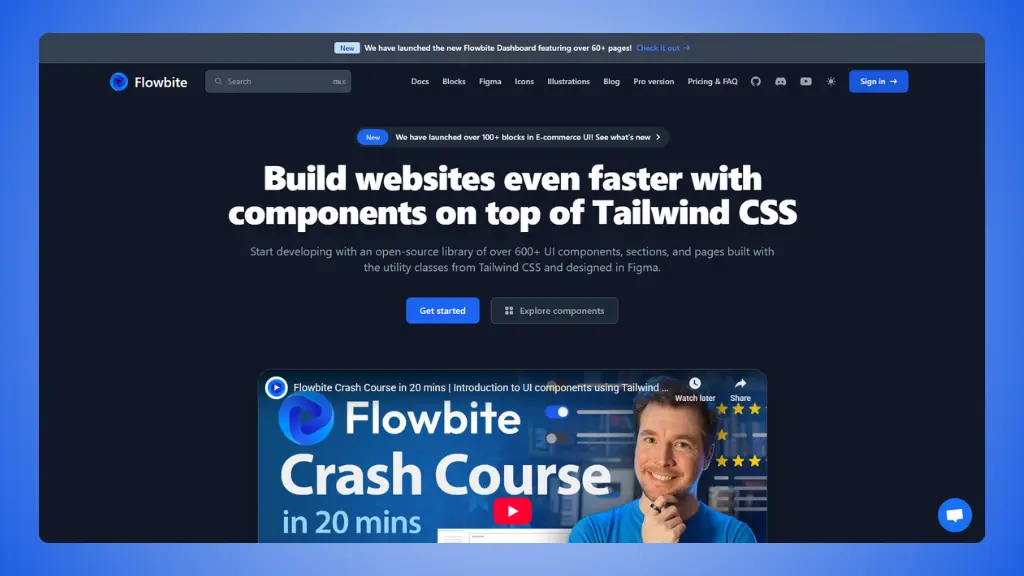
Flowbite is one of the most popular Tailwind CSS libraries, with over
400+ components and interactive elements. It's trusted by thousands of
developers who need production-ready components.
What makes it different:
- 400+ Components: One of the largest collections
available
- Interactive Elements: Dropdowns, modals,
datepickers with built-in JavaScript
- Multiple Framework Support: React, Vue, Svelte,
Angular, Laravel, and more
- Figma Design System: Professional design files for
prototyping
- Accessibility Focused: Components follow WCAG
guidelines
- Active Community: Large user base and regular
updates
Pricing:
- Free: 400+ open-source components
- Pro: Premium templates and advanced components for
projects needing more
Why it's useful:
- Comprehensive documentation and examples
- Strong community support and regular updates
- Components work across many frameworks
- Professional quality suitable for production apps
The limitation:
- Can feel overwhelming due to the sheer number of options
- Mixing components from different examples may require style
adjustments
- Premium features require payment
3. daisyUI
Best for: Clean semantic classes and extensive
theming without complex markup
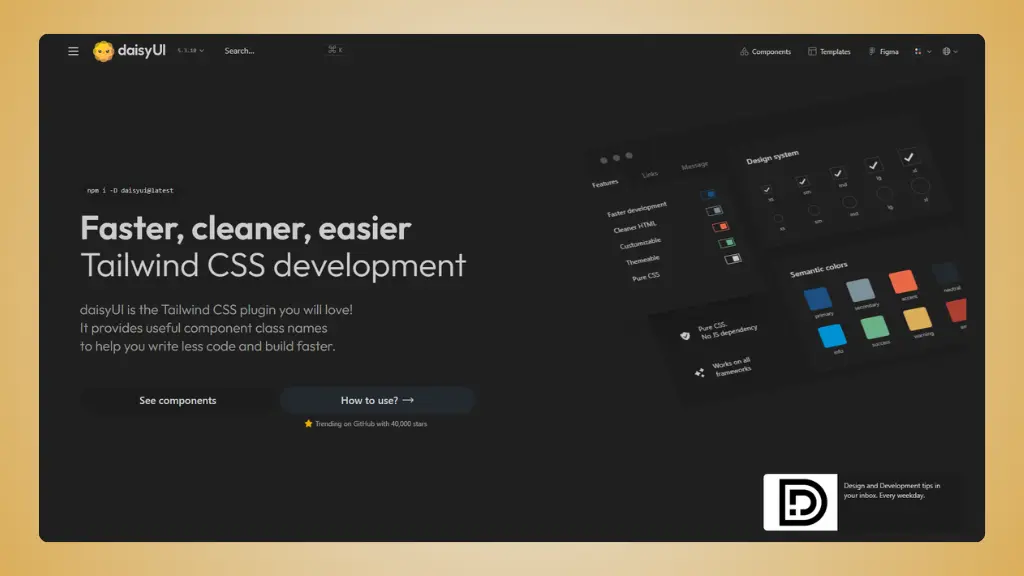 Website: daisyUI.com
daisyUI takes a different approach. Instead of copying HTML, it adds
semantic class names to Tailwind CSS. Think btn-primary
instead of writing out 10 utility classes.
What makes it special:
- 50+ Components: Focused collection of essential
elements
- 35 Built-in Themes: Largest theme collection of any
Tailwind library
- Semantic Classes: Cleaner HTML with readable class
names
- Ultra Lightweight: Only 2KB added to your
bundle
- Theme Customization: Easy to create custom
themes
- Zero JavaScript: No JS dependencies for
styling
Pricing:
- 100% Free: All components and themes are
open-source
Why it's useful:
- Much cleaner HTML markup than pure Tailwind
- Extensive theming makes it easy to match any brand
- Very active community (28,500+ GitHub stars)
- Works with any JavaScript framework
The limitation:
- Smaller component library than Preline UI or Flowbite
- Learning curve for the semantic class system
- Less suited for highly custom designs
4. TailGrids
Best for: Pre-built blocks and templates for rapid
landing page development
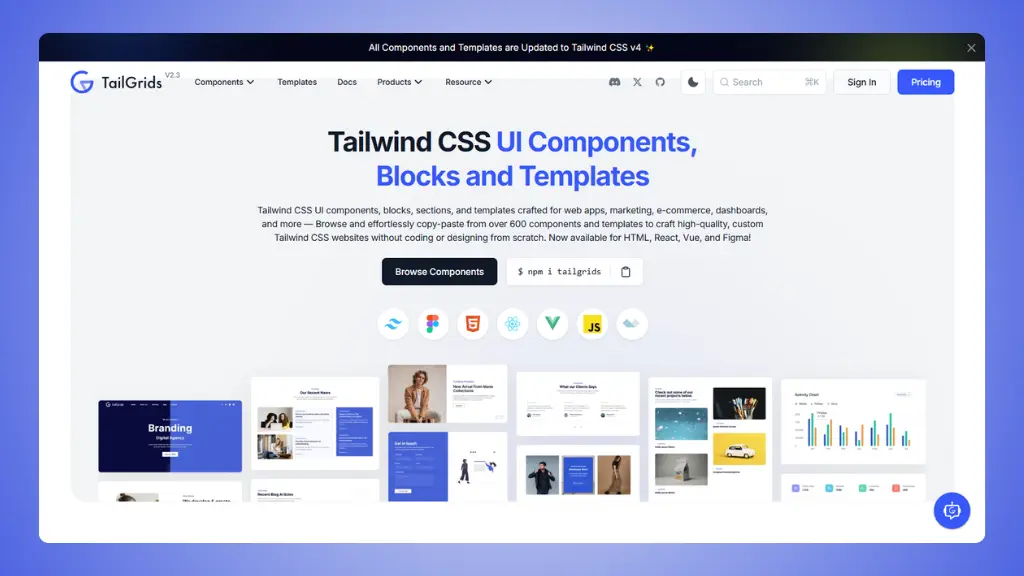 Website: TailGrids.com
TailGrids focuses on ready-to-use blocks and sections specifically
for building landing pages, web apps, and dashboards quickly.
What you get:
- 600+ Components: Large collection of blocks and
templates
- Complete Templates: Full landing page and dashboard
templates
- Framework Support: HTML, React, Vue, Angular
compatibility
- Marketing Focused: Designed specifically for
landing pages and marketing sites
- Regular Updates: Active development and new
components
Pricing:
- Free: Access to many components and blocks
- Premium: Full library access with more templates
and blocks
Why it's useful:
- Focus on complete page sections rather than individual
components
- Great for quickly assembling landing pages
- Components designed to work together
- Good for both developers and non-developers
The limitation:
- Smaller community than Flowbite or daisyUI
- Some advanced components require premium access
How to choose
your best Preline UI alternative?
Ask yourself these questions:
What framework are you using?
- Tailwind CSS only → LandingGo, daisyUI, or TailGrids
- React/Vue/Svelte → Flowbite (best framework support)
- Multiple projects → Flowbite (most framework options)
What's your budget?
- $0 → LandingGo (200+ free), daisyUI (fully free), or Flowbite (400+
free)
- Under $100 → LandingGo Pro ($49), TailGrids premium, or Flowbite
Pro
What do you need?
- Complete landing pages → LandingGo or TailGrids
- Interactive components → Flowbite (best JavaScript elements)
- Custom theming → daisyUI (35 themes)
- Rapid prototyping → TailGrids (pre-built sections)
How much control do you want?
- Full customization → LandingGo or Flowbite
- Faster development → daisyUI (semantic classes) or TailGrids
(blocks)
- Both → LandingGo (component flexibility with style consistency)
All Preline UI alternatives compared
| LandingGo |
Free Tailwind/HTML with uniform sets |
✅ Yes |
Yes
(Pro $49 one-time) |
| Flowbite |
Largest component library |
Partial |
Yes
(Pro available) |
| daisyUI |
Semantic classes & theming |
Partial |
100% Free |
| TailGrids |
Pre-built page blocks |
✅ Yes |
Yes
(Premium available) |
Preline UI is a solid library with lots of components. But if you're
spending hours trying to make components work together, or if you want
components specifically designed as complete landing page kits, the
alternatives above might save you time.
The best choice depends on your project. But any of these
alternatives will help you build faster than starting from scratch.